

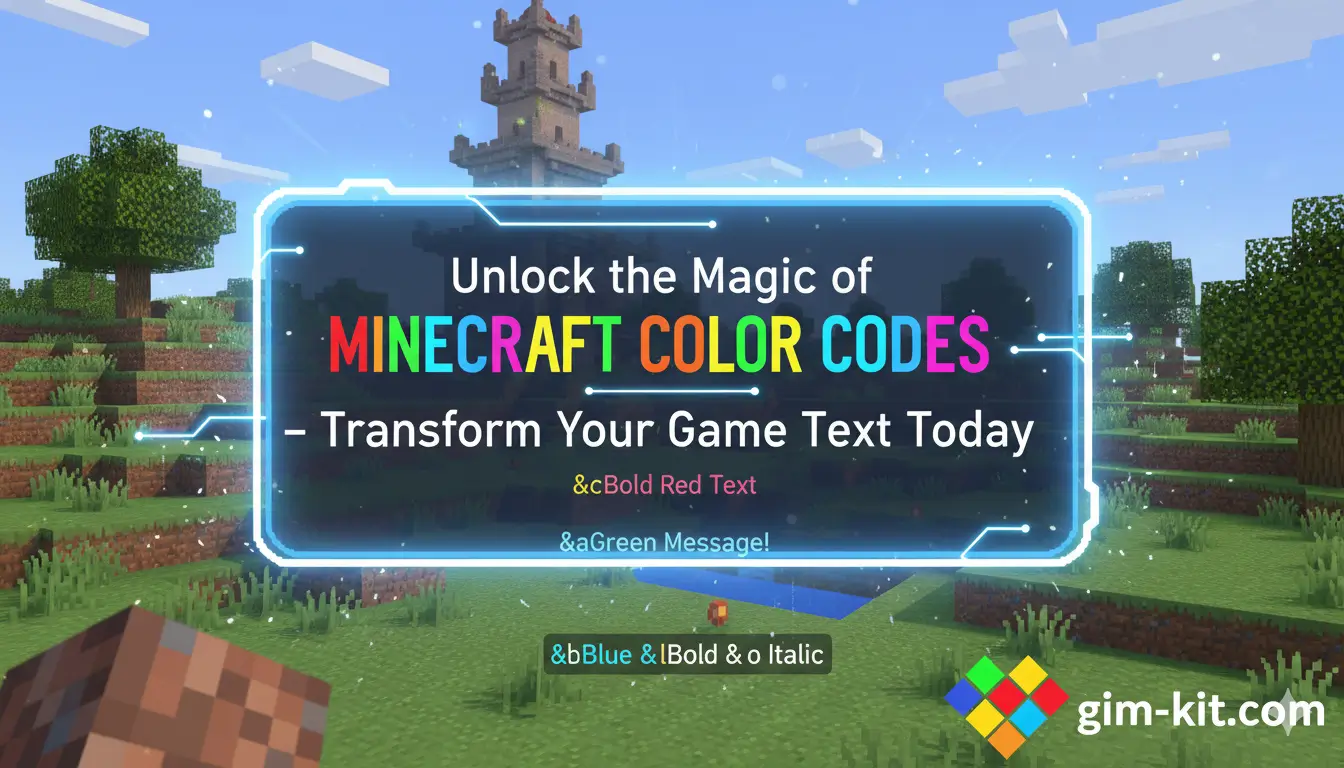
Welcome to Gimkit. Minecraft is a game that thrives on creativity, imagination, and customization. One of the most fascinating ways to personalize your experience is by using Minecraft color codes. These codes allow players to transform ordinary text into vibrant, eye-catching messages that enhance communication, creativity, and expression within the game. Understanding these codes is essential for anyone looking to elevate their Minecraft gameplay, whether you are chatting with friends, decorating signs, or creating server messages.
Pull Quote: “Minecraft color codes turn ordinary messages into extraordinary experiences, making your game world more vibrant and expressive.”
What Are Minecraft Color Codes?
Minecraft color codes are a set of formatting instructions that change the appearance of text in the game. They are not separate items or blocks but rather symbolic commands that modify the color and style of letters, numbers, and symbols. By using these codes, players can convey messages with visual appeal and clarity.
The color codes in Minecraft are crucial for various functions, such as:
- Enhancing readability in chat
- Personalizing signs and books
- Highlighting server messages or announcements
- Organizing in-game instructions or guides
Pull Quote: “A well-placed color code can transform a simple message into a visually stunning statement that grabs attention instantly.”
Minecraft color codes begin with the symbol § followed by a specific character, usually a number or letter. Each combination produces a unique color or text style. While some may consider it a minor detail, mastering color codes can significantly improve both aesthetics and communication within the game.
Read Also: pixel blade codes
The Full List of Minecraft Color Codes
Minecraft includes sixteen standard color codes that every player should know. These codes are consistent across most game editions and can be applied in a variety of contexts.
| Color Name | Code | Hex Value |
| Black | §0 | #000000 |
| Dark Blue | §1 | #0000AA |
| Dark Green | §2 | #00AA00 |
| Dark Aqua | §3 | #00AAAA |
| Dark Red | §4 | #AA0000 |
| Dark Purple | §5 | #AA00AA |
| Gold | §6 | #FFAA00 |
| Gray | §7 | #AAAAAA |
| Dark Gray | §8 | #555555 |
| Blue | §9 | #5555FF |
| Green | §a | #55FF55 |
| Aqua | §b | #55FFFF |
| Red | §c | #FF5555 |
| Light Purple | §d | #FF55FF |
| Yellow | §e | #FFFF55 |
| White | §f | #FFFFFF |
Each color code can be combined with formatting codes to achieve bold, italic, or underlined effects, making the text even more dynamic. Knowing which code produces which color is the first step in becoming proficient in Minecraft text customization.
Pull Quote: “Memorizing Minecraft color codes unlocks endless possibilities for personalizing your game text and boosting creative expression.”
Understanding Minecraft Formatting Codes
In addition to colors, Minecraft offers formatting codes that modify the style of text. These codes allow players to apply bold, italic, underline, strikethrough, and even magical obfuscation effects.
| Effect | Code |
| Bold | §l |
| Italic | §o |
| Underline | §n |
| Strikethrough | §m |
| Obfuscated | §k |
| Reset | §r |
Formatting codes can be combined with color codes to create messages that are not only vibrant but also stylish. For example, §c§lWelcome will display as bold red Welcome, making it stand out in chat or on a sign.
How to Use Minecraft Color Codes in Chat
Using color codes in Minecraft chat is simple once you understand the syntax. Here are the key steps:
- Insert the Color Symbol: Begin your text with § followed by the desired code.
- Combine with Formatting Codes: Add additional codes for effects like bold or italic.
- Write Your Message: Type the message after the code.
- Send Message: Press Enter, and the text appears in the chosen color and style.
This method works in both private messages and public chat rooms, allowing you to communicate with flair and clarity. Correct use of color codes can help highlight important messages, making them easily distinguishable from standard chat text.
Pull Quote: “Color-coded chat messages not only look impressive but also enhance clarity and prevent misunderstandings during multiplayer games.”
Applying Color Codes to Signs and Books
Signs and books in Minecraft offer unique opportunities to showcase color coding. By adding color codes to these items, players can create guides, instructions, or decorative elements that enhance both function and aesthetics.
Using Color Codes on Signs
Signs are limited in space but flexible in formatting. You can place codes at the beginning of each line to produce colored text. For example, §aWelcome to my base sign will appear in green. Combining multiple codes can produce multi-colored text lines that catch the eye.
Using Color Codes in Books
Books allow for more extensive use of color and formatting codes. You can write entire stories or guides with a variety of colors and text styles. This not only improves readability but also makes the book visually appealing, encouraging readers to engage more fully with its content.
Pull Quote: “Mastering color codes in books and signs can elevate your Minecraft creations from ordinary to extraordinary, blending creativity with clarity.”
Practical Tips for Using Minecraft Color Codes
To maximize the benefits of Minecraft color codes, consider these practical tips:
- Always test codes in a single line before applying them to multiple lines or books.
- Use contrasting colors for better readability, especially for signs in dimly lit areas.
- Combine formatting codes sparingly to maintain a professional appearance.
- Remember that not all servers support custom codes, so check compatibility.
- Utilize plugins or mods if necessary to expand color options beyond standard codes.
These strategies ensure that your use of color codes is both effective and visually appealing, enhancing the overall Minecraft experience.
Advanced Techniques and Creative Ideas
Once you are comfortable with basic color codes and formatting, you can experiment with advanced techniques:
- Gradient Effects: Gradually transition from one color to another in a single message.
- Patterned Text: Alternate colors and effects to create visually striking patterns.
- Thematic Design: Match text colors with environmental or thematic elements in your game world.
- Custom Server Messages: Design MOTDs with multiple colors and formatting codes for a professional touch.
By mastering these techniques, players can turn ordinary text into interactive art that complements their game design.
Pull Quote: “Advanced color coding transforms text into a canvas, allowing players to express creativity in every message.”
Common Mistakes to Avoid
Even experienced players sometimes make mistakes with color codes. Avoid these pitfalls for the best results:
- Forgetting the § symbol or mistyping it.
- Overusing formatting codes makes text hard to read.
- Ignoring server limitations that may prevent some codes from working.
- Combining too many colors or effects creates visual clutter.
- Not previewing messages before sending, leading to errors.
Being aware of these common issues will help you use color codes more effectively and maintain a polished appearance in all Minecraft communications.
Differences Between Java and Bedrock Editions
Minecraft color codes function slightly differently between the Java and Bedrock editions. Understanding these distinctions ensures that your messages display correctly across platforms.
- Java Edition: Uses the standard § codes directly in chat, signs, and books.
- Bedrock Edition: Often requires additional formatting like \u00A7 for server configurations and may support fewer formatting effects.
Players should always verify which edition they are using before applying advanced color codes to avoid compatibility issues.
Frequently Asked Questions (FAQs)
What are Minecraft color codes?
Minecraft color codes are special formatting commands that change the color and style of text in chat, signs, books, and server messages. They allow players to make their text more vibrant, readable, and visually appealing.
How do I use color codes in Minecraft?
To use a color code, type § followed by the specific code character before your text. For example, §cHello will display “Hello” in red. You can also combine codes with formatting options like bold or italic.
Are color codes different in Java and Bedrock editions?
Yes, Java edition uses the standard § codes directly, while Bedrock edition may require \u00A7 formatting for certain messages and has limited formatting options.
Can I use multiple colors in a single message?
Absolutely. You can combine multiple colors and formatting codes in a single message to create gradients, patterns, or styled text. However, avoid overusing effects to maintain readability.
Do all servers support color codes?
Not necessarily. Some servers may restrict custom color codes for chat messages. Plugins or mods may be required to fully utilize color codes on certain servers.
What are some tips for using color codes effectively?
Test your code before applying it widely, use contrasting colors for readability, avoid excessive formatting, and match colors with your theme or purpose to enhance clarity and style.
Conclusion
Minecraft color codes are more than just aesthetic tools; they are essential elements for enhancing communication, creativity, and immersion within the game. From simple chat messages to intricate book designs, these codes empower players to express themselves fully and effectively. By learning the basic codes, mastering formatting options, and applying advanced techniques, you can transform ordinary text into visually stunning messages that elevate your Minecraft experience. Always remember to test your code, maintain readability, and experiment creatively to unlock the full potential of Minecraft color coding.
