

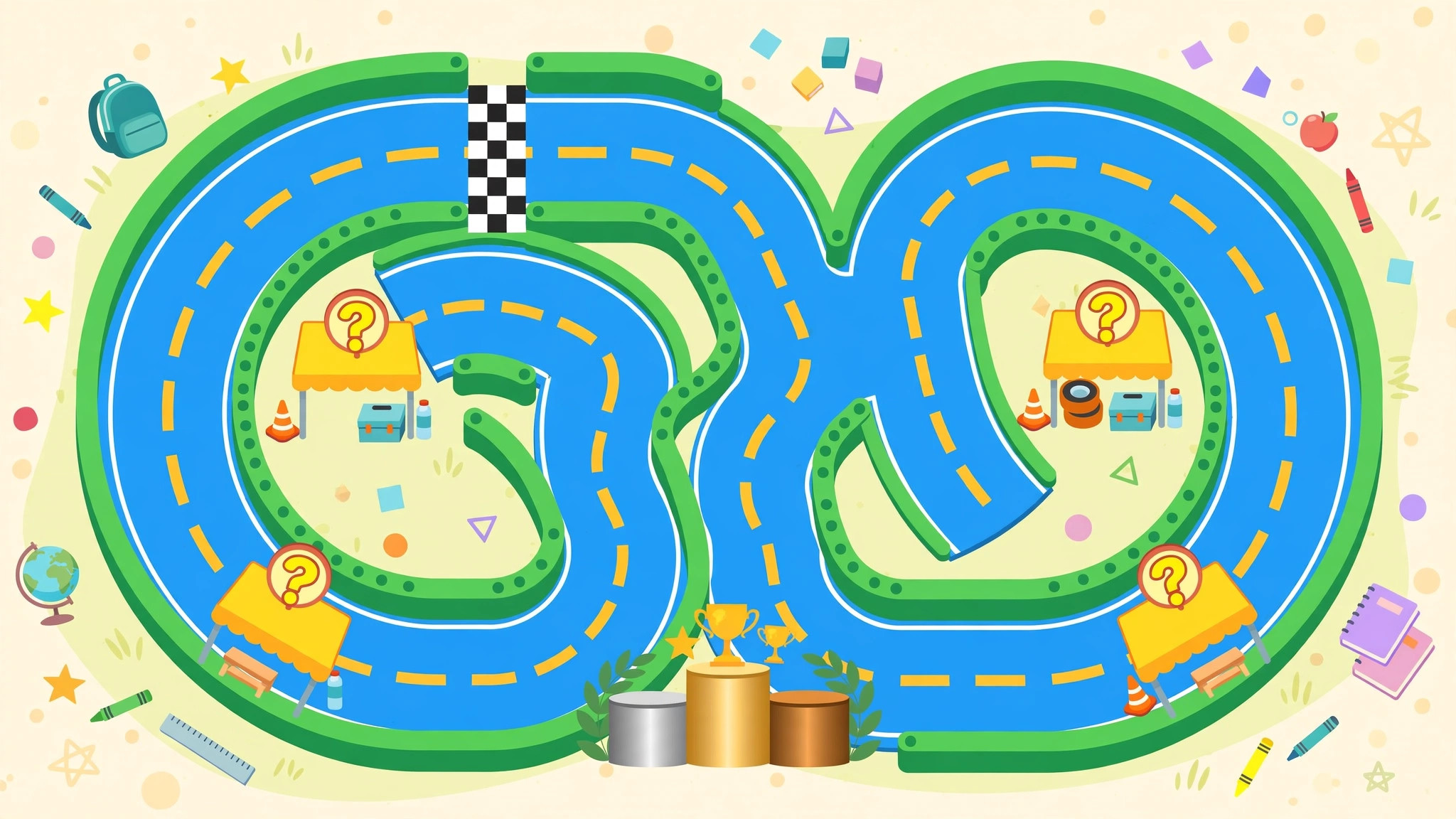
Nothing gets a class shouting like a race. A Gimkit racing map turns Creative into a speedway where the fastest thinker wins — because in Gimkit, movement runs on energy, and energy comes from answering questions. Building a gimkit racing map is one of the most satisfying projects in Gimkit Creative: a clear goal, instant feedback, and endless rematches.
This guide builds a complete circuit step by step: laying the track, edging it with barriers, wiring start and finish zones, counting laps with a counter, and tuning the race so it stays close. If the editor is new to you, our beginner’s guide on this site covers the basics this build builds on.
make a race in gimkit creative
To make a race in gimkit creative, work in this order — structure first, decoration last:
Step 1 — Choose the style. Top-down suits classic circuits (an oval or winding road seen from above, like a board-game track). Platformer suits sprint-and-jump races. This guide’s layout language fits both; top-down is the easier first race.
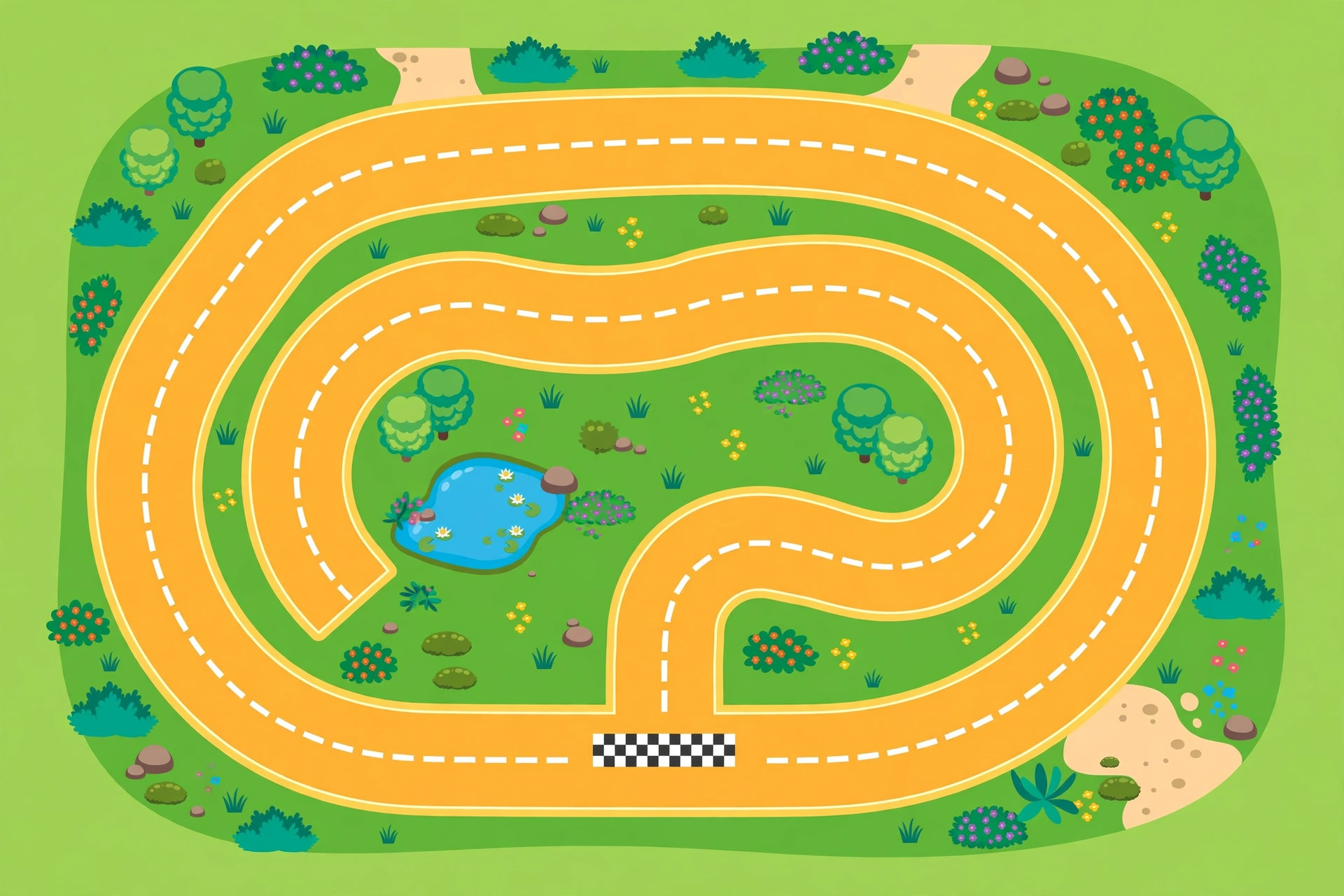
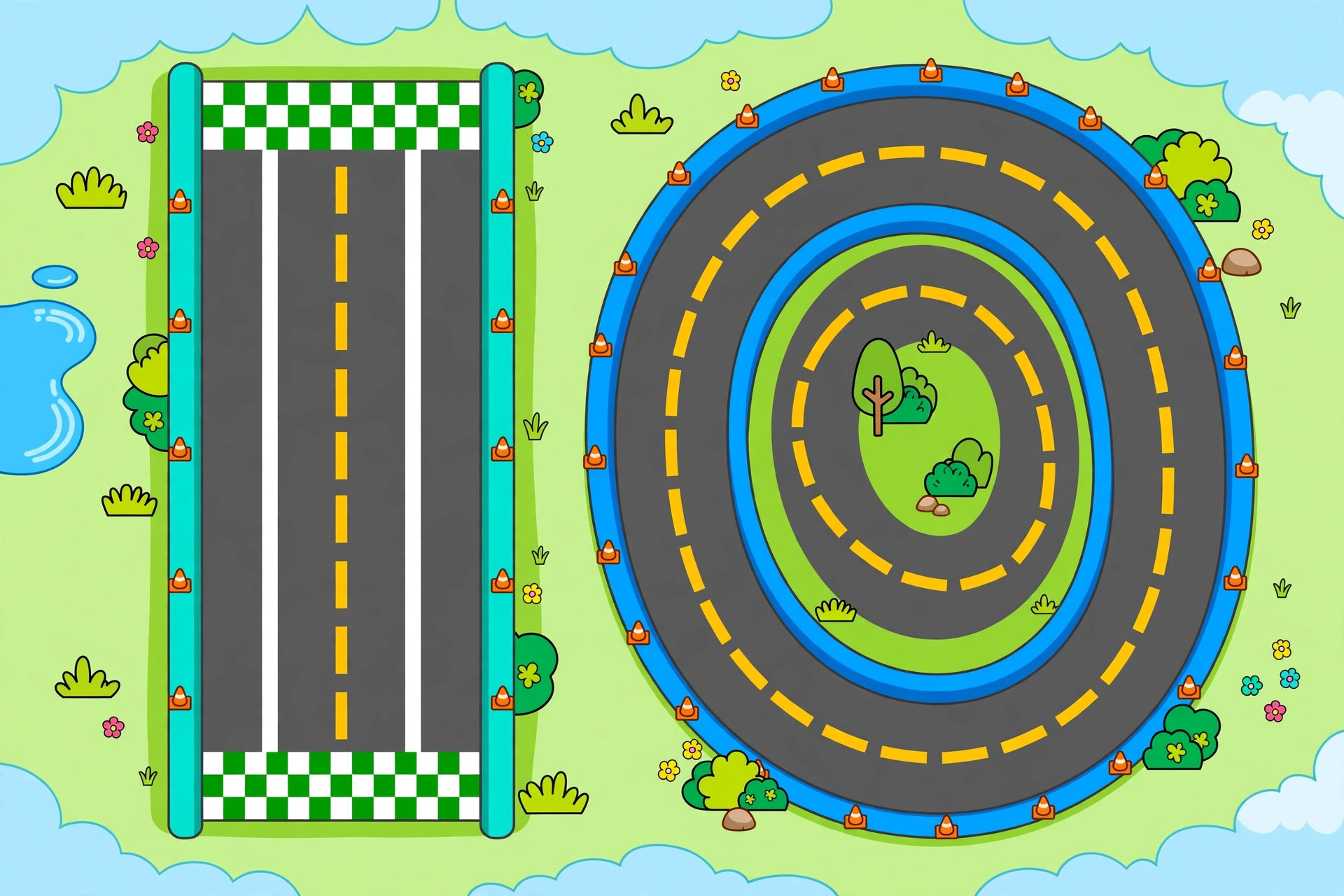
Step 2 — Lay the track. Paint a clear loop or point-to-point route with contrasting terrain — a light road on dark ground reads instantly. Make the track wide enough for several players to run side by side (three to five tiles), or overtaking becomes impossible and races turn into queues.
Step 3 — Edge it with barriers. Place Barriers (or wall terrain) along both edges so racers cannot shortcut across the infield. Check every corner: one gap is one cheat route your students will find.
Step 4 — Mark start and finish. A Zone strip across the start line and another at the finish. The finish zone is your referee — it triggers the win sequence the instant a racer crosses.
Step 5 — Fuel the race. Scatter Questioners along the track — after corners, at the far end, before the home straight. Racers burn energy moving; question stops are the pit strategy of a Gimkit race. Too few and everyone crawls; too many and knowledge stops mattering. Two to four per lap is a good start.
Step 6 — Add the finish moment. When the finish zone fires, make something happen: broadcast a channel that celebrates — a teleporter to a podium platform is the classic. Winners appearing on a podium while others finish is a perfect classroom photo moment.
Step 7 — Race it yourself. Full laps, at player speed, hunting for stuck spots, starved stretches and shortcut gaps. Fix, then fix again.
gimkit race map ideas
Once one circuit works, gimkit race map ideas branch in every direction:
- Lap races. Add a Counter that ticks each time a racer crosses the start zone; a Checker or the counter’s target announces three laps complete. Endurance and strategy enter the chat.
- Relay races. Teleporter pairs as “tag points”: finish your leg, teleport your teammate’s start pad into play. Chaotic, hilarious, unforgettable.
- Obstacle Grand Prix. Sentries as hazards on wide corners, barrier chicanes, a question gate mid-track that only opens for correct answers.
- The grand tour. A point-to-point race across themed zones — desert, snow, city — connected by teleporters as “flights” between stages.
- Time-trial Fridays. Same track, everyone’s personal best. Post the map weekly; the class record board (a real whiteboard works) becomes sacred.
- Platformer sprints. Side-view: a rising course of platforms where the race is vertical — Don’t Look Down energy with a finish zone on the summit.
Balance matters more than features. If one student wins every race by a lap, the issue is rarely speed — it is question difficulty. A Kit at the class’s level keeps races close; a Kit that is too hard turns the race into a walking tour. For more build concepts beyond racing, our Creative ideas collection on this site is full of them.
Tuning: What Makes a Race Feel Fair
Equal starts. Everyone spawns together at the start zone, full stop. Staggered spawns poison fairness before the first question.
Questioner symmetry. Every racer should hit question stops at roughly the same rate. A questioner only reachable on an inside line is an advantage disguised as scenery.
Forgiving corners. Slightly wide corners with barrier edges keep the pack together. Hairpins are for lap three drama, not the opening straight.
A finish that cannot be argued with. The finish zone is wide, obvious, and fires a big visible moment. Photo finishes should end in celebration, not debate.
The official Gimkit Help Center documents zones and counters precisely; the patterns above are the race-day layer on top.
Race Formats, Compared Honestly
The sprint (one lap, short track). Best for warm-ups and first races. Five minutes, instant winner, teaches the room the format. Its weakness is variance: one early mistake ends a race, so feelings can bruise. Rematch immediately — sprints are built for best-of-three.
The grand prix (multiple laps, one sitting). The fullest race experience: pacing, pit-stop question strategy, comebacks. Needs your lap-counting wiring and a Kit with enough questions that lap three is not memorized answers. This is the format that creates legends students cite in June.
The time trial (same track, all week). Everyone races the clock across several days; the board shows the class’s fastest finishes. Time trials are inclusive in a way live races are not — a thoughtful, slower student can grind a perfect run on Tuesday and top the board by Friday.
The team relay. Legs run by different players, teleporter handoffs between them. The loudest format and the most social; also the hardest to balance, since one weak leg sinks a strong team. Use it for joy, not for judgment.
Most classes thrive on a rhythm: sprint to open the unit, grand prix to close it, time trials humming in the background between.
Race Day: Hosting Notes
Do a parade lap. First time on a new track, run one no-stakes lap so everyone learns the corners. Competition without orientation is just confusion at speed.
Commentate. A teacher narrating the lead changes — even roughly, even wrong — doubles the room’s energy and turns ten separate screens into one shared event. Sporting drama is a hosting choice.
Crown visibly. The podium moment is the product. Let the winner stand on it while the class applauds for five full seconds. Next week’s effort is purchased in that moment.
Log the results somewhere durable. A simple board of champions by date gives races history, and history gives races stakes that no single afternoon can.
The Podium, the Photo Finish, and Other Endings
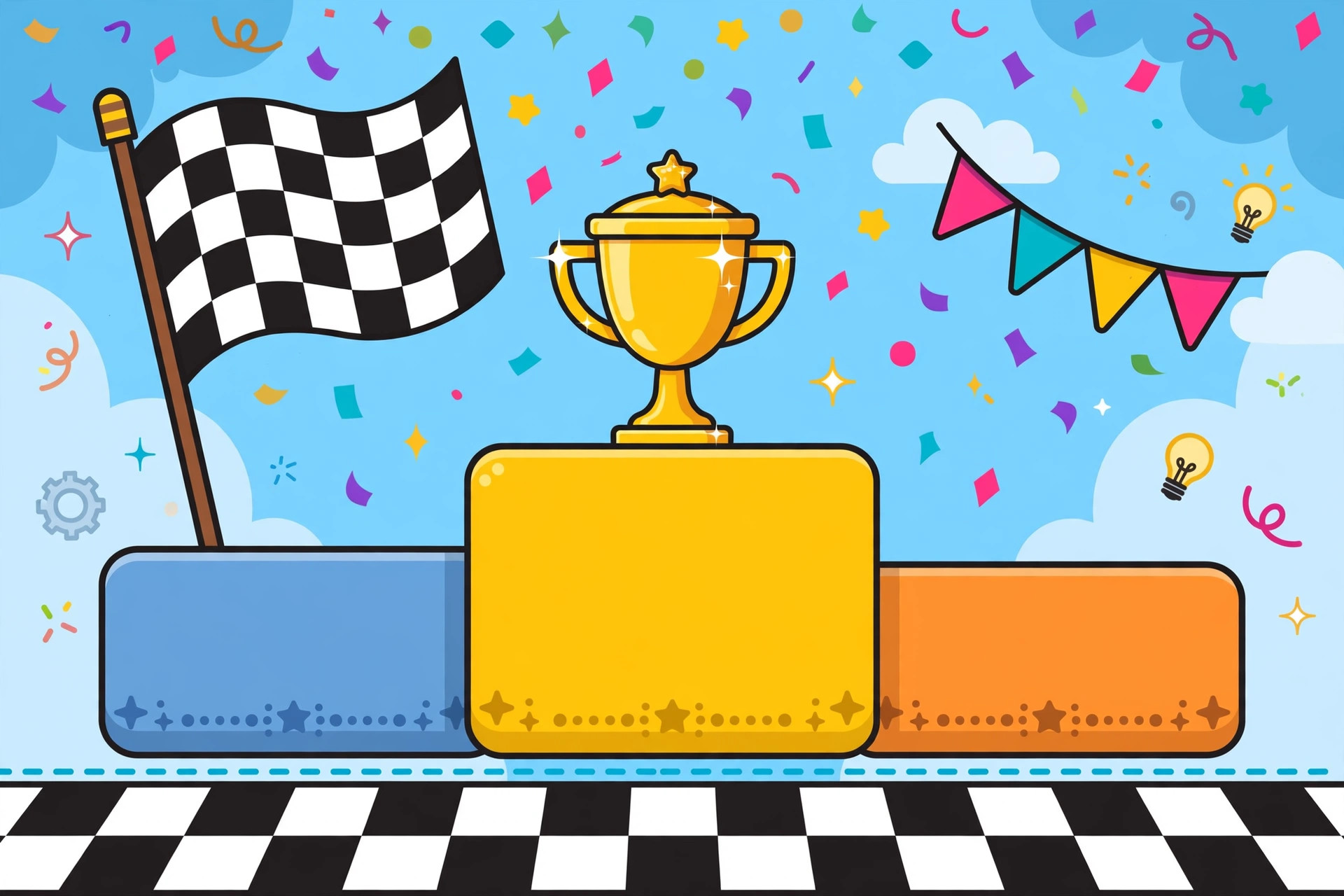
Endings are where races are remembered, so give the finish as much design as the first corner. The podium deserves its own small architecture: a raised, brightly decorated platform past the line, reachable only by finishing, where the winner stands visibly above the course. Make lower steps for second and third if your class size supports it; being nearly celebrated is still celebrated.
The photo finish is a hosting trick rather than a build: when two racers are neck-and-neck on the last stretch, narrate it like sportscasting and let the room’s noise crown the moment — the class will remember a called finish long after forgetting the times.
The results ritual closes the loop: fastest lap, most improved, and the coveted “cleanest racer” (fewest falls, teacher’s judgment) get named every time, so the podium is never the only path to glory. A race whose ending honors three kinds of excellence keeps the whole field racing next week; a race that honors only speed eventually races alone. Build the course for competition — but build the ending for the community.
And when a race day genuinely catches fire — a rivalry forms, a rematch gets demanded before the bell — lean in and let it become a miniature season. Name the next meeting, keep the standings where everyone can see them, and let students argue about the championship during the week. Those arguments are peer teaching in disguise: every debate about the fastest line through corner three is a student explaining your course design to another student. The track you built in an afternoon can end up teaching all week, if you let the ending do its work.
One final builder’s note: race your own course at least twenty times before the class ever sees it. You are hunting for the two corners that feel identical, the one stretch that is three seconds too long, the checkpoint a desperate player can clip. A course its builder has mastered is a course balanced by evidence rather than by hope — and on race day, the difference shows in every single lap. Then hand over the starting line and enjoy the loudest lesson of your term.
Frequently Asked Questions
How many players can race at once?
As many as your game session supports. Design track width for your class size — wider tracks for bigger lobbies keep the start clean.
Can I make racers answer questions to move?
That is already how 2D Gimkit works: movement burns energy, answers earn it. Your Questioner placement controls how “quizzy” versus “zoom-y” the race feels.
How do I count laps automatically?
Place a zone across the start line wired to a Counter that increments per crossing; when the counter hits your lap target, its channel fires the finish sequence.
My race has a shortcut. How do I find them all?
Playtest by deliberately trying to cheat: hug every wall, test every corner, jump from every platform. If you can skip the track, so can a student — seal it with barriers.
Final Thoughts
A great Gimkit race is a clear track, honest edges, well-fed question stops and a finish that feels like a finish. Build the simple oval first, race it with your class, and let their feedback — and their rematch demands — design version two.
