

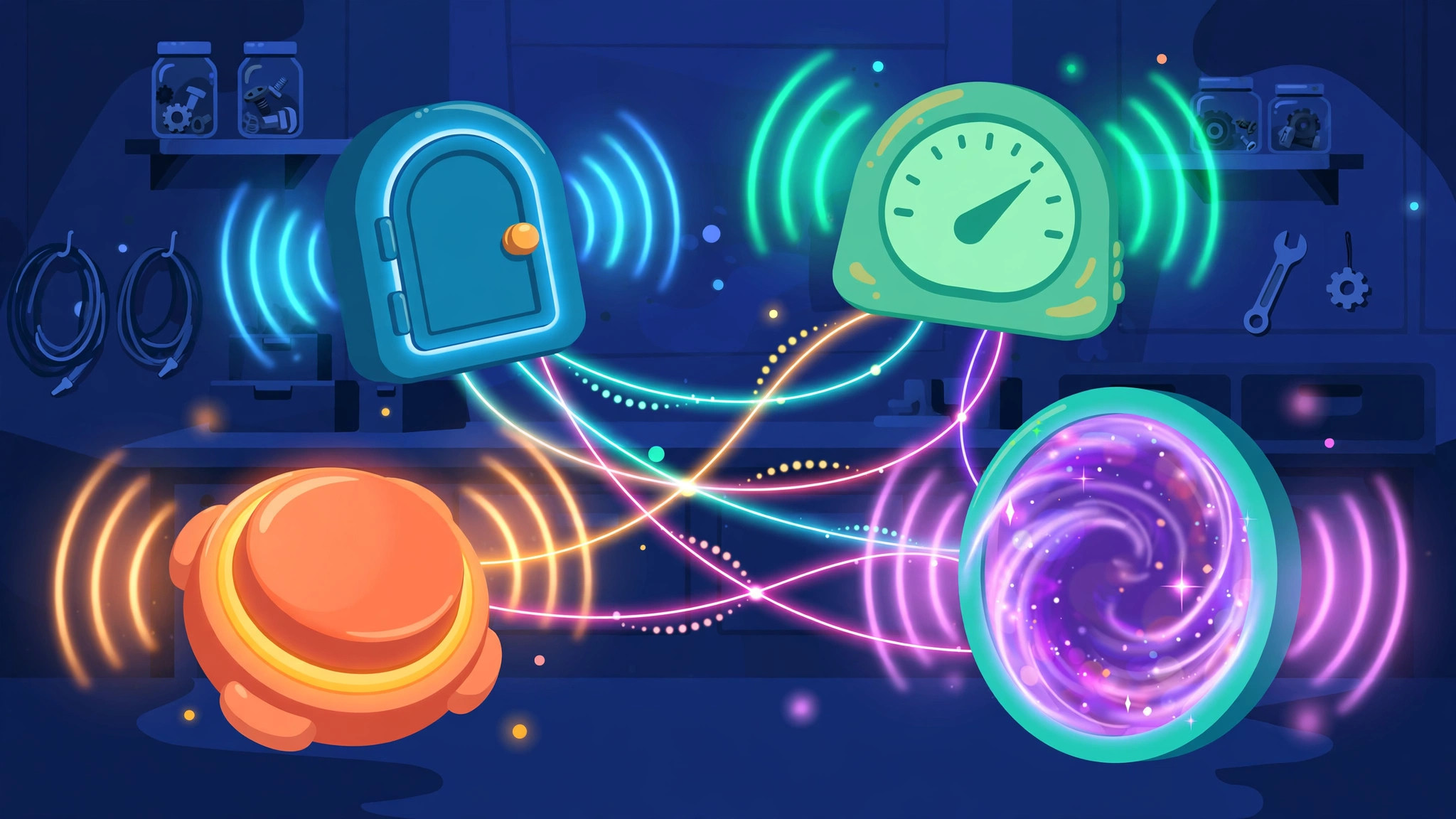
Devices alone are furniture. What makes them a game is communication — a button that opens a door, a zone that starts a counter, a checker that unlocks a reward. Gimkit creative wires and channels are the two ways devices talk in Gimkit Creative, and understanding both is the moment map-building stops being decorating and starts being designing.
This guide explains how gimkit creative wires work, how channels differ, when to use each, and the example chains you can copy into your own maps today. It assumes you know the basic devices — this is the connective tissue between them.
gimkit channels
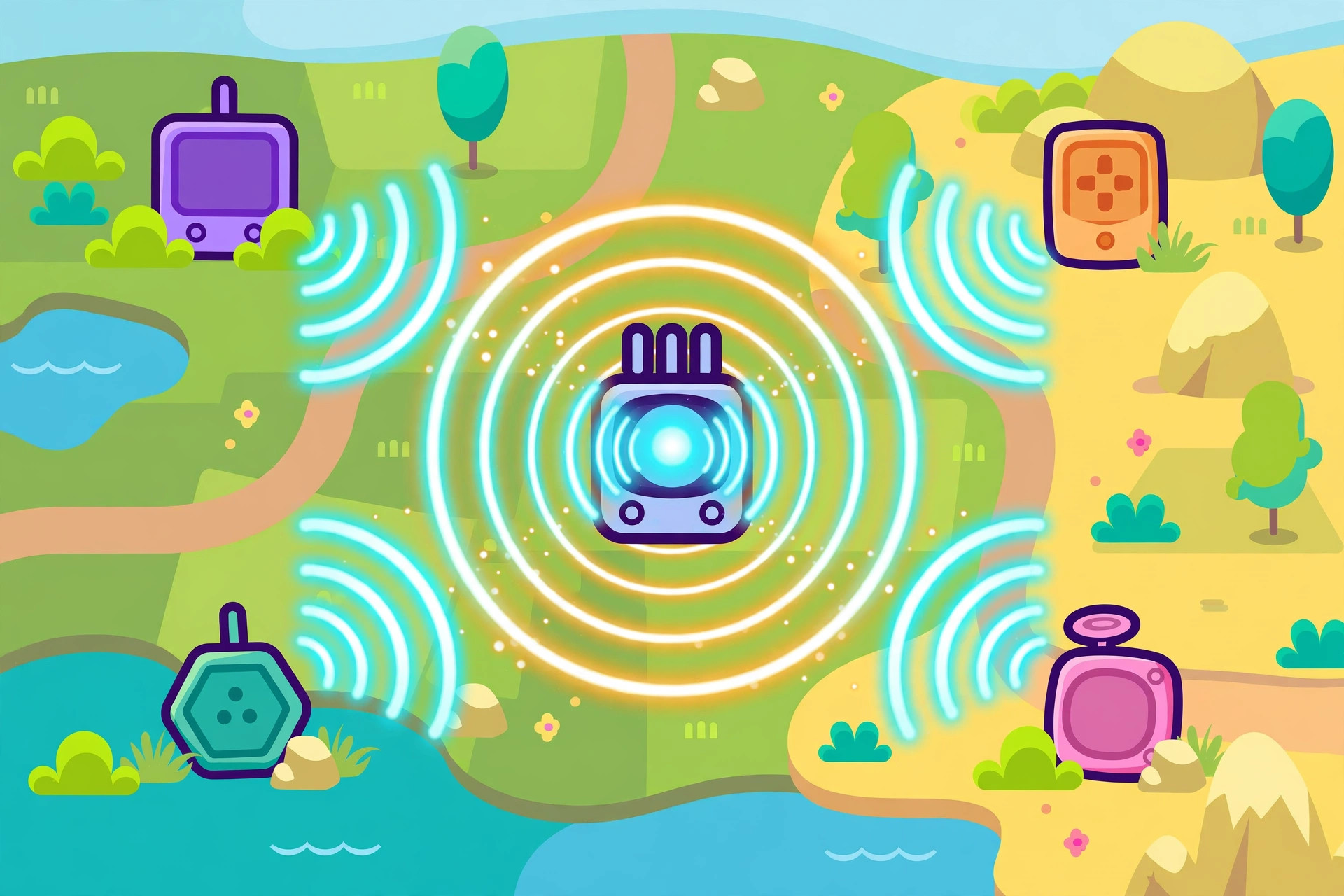
Gimkit channels are named broadcasts. Instead of linking two devices directly, a device can transmit on a channel — a name you choose, like “open vault” or “race over” — and any other device in the map that is set to receive on that channel will react. One broadcast, many listeners.
Why channels are powerful:
- One-to-many. A single Zone entry can open two barriers, start a Counter and activate a Teleporter simultaneously, because all three listen to the same channel.
- Distance-proof. Channel partners do not need to be near each other or even visible on the same screen. The signal is map-wide.
- Readable logic. A channel name is a tiny label on your intent. Future-you, editing the map in three weeks, will thank present-you for names like “boss defeated” instead of a spiderweb of anonymous lines.
Channels are set inside each device’s settings: transmitters get a “when X happens, transmit on channel ___” style option, and receivers get “when receiving on channel ___, do Y.” Match the names exactly — a channel called “door open” and one called “door opens” are strangers.
The cost of channels is invisibility: nothing on the map shows the connection, so a forgotten channel name can be hard to debug. Keep a naming habit from your first map (short, specific, consistent), and your future builds stay sane.
wire devices together gimkit
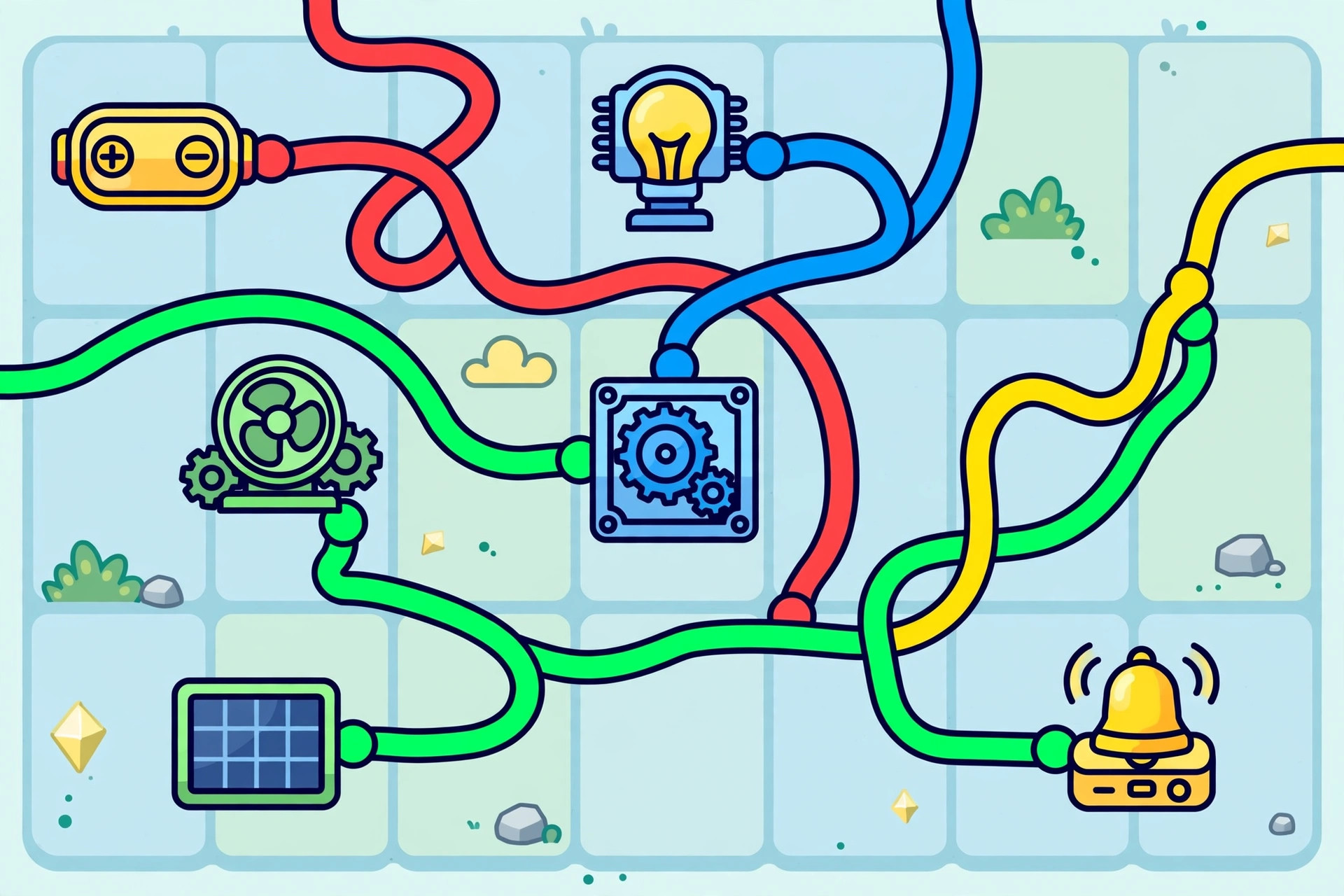
To wire devices together gimkit gives you the literal option: a wire is a visible, direct connection between two specific devices. Select a device, choose the wire tool, and connect it to its partner. During editing you can see the line; in the settings of each end you define what the signal does (“when this button is pressed → this barrier deactivates”).
Wires excel at small, local logic:
- A Button wired straight to the door it opens, three tiles away.
- A Trigger wired to the single Sentry it wakes.
- A Questioner wired to the barrier it unlocks when its task completes.
The limits are equally clear. A wire connects exactly two endpoints, so one-to-many logic means drawing many wires. Long-distance pairs mean long lines snaking across your map. And a crowded hub of wires becomes genuinely hard to read — the famous “spaghetti map” every experienced builder has made once and sworn off.
The working rule most pros land on: wires for pairs you can see in one screen; channels for anything that travels, multiplies, or matters to the map’s overall state. Many maps use both — wires inside each room, channels between rooms.
gimkit creative logic
Put wires and channels together and you get gimkit creative logic: the cause-and-effect systems that make a map feel smart. A few canonical chains to internalize:
Chain 1 — The locked door (wire OR channel).
Button (pressed) → Barrier (deactivate). Your first chain; build it with a wire, rebuild it with a channel, feel the difference.
Chain 2 — The arena seal (channel).
A Zone at the boss-room entrance (player enters) → broadcasts “seal arena” → Barrier behind the player activates + Sentry arena lights up + Counter for boss hits resets. One step by the player; three reactions. This is the classic boss-fight pattern in miniature.
Chain 3 — The score finish (channel).
Counter reaches target → broadcasts “game complete” → Teleporter to the podium activates + finish-zone barriers open. The counter/checker/property family (see the score system guide) is where most real “logic” in maps lives.
Chain 4 — The relay (mixed).
Zone (player enters) → wire → Trigger-style relay device → channel broadcast to the rest of the map. Relays let a local event join the global channel system cleanly.
Debugging logic is a skill in itself: when a chain fails, test it link by link from the start, in playtest, watching each device. Ninety percent of failures are a mismatched channel name or a receiver set to the wrong trigger condition. The official Gimkit Help Center lists each device’s transmit/receive options precisely — keep it open while you wire your first few chains.
A Naming System for Channels
Channels fail socially before they fail technically: the builder forgets what “signal3” was for. A tiny naming discipline, applied from your very first map, prevents nearly all of it.
Name the event, not the device. Channels describe happenings: “vault opened,” “race finished,” “boss phase two.” Devices come and go in edits; events are the map’s permanent plot points, and a channel named after its event stays meaningful forever.
One name, one meaning, forever. Never reuse a channel name for a second purpose mid-map, even rooms apart. The moment “door open” opens two unrelated doors, debugging becomes archaeology.
Keep a legend while you build. A scrap of paper or a notes file listing each channel and its job takes ten seconds per channel and saves ten minutes per bug. Big community maps are built this way; the legend is the design document for the map’s logic.
Short beats cute. “open sesame the magical vault door” is charming once and miserable to type identically into six devices. Names should be short enough to retype flawlessly, because a channel match must be exact.
From Two Devices to Systems
It is worth seeing the growth curve plainly, because every intimidating community map is just these steps survived:
- Stage 1 (an afternoon): one wire, one door. You understand signals.
- Stage 2 (a week of building): channels replace wires where distance demands. You understand broadcasts.
- Stage 3: one event drives several devices. You understand orchestration — the arena seal is the emblem.
- Stage 4: devices drive each other in sequence — a counter’s target wakes a checker, whose pass opens a door and starts a counter elsewhere. You understand systems, and there is no map you cannot at least sketch.
Nobody leaps to stage 4. Each stage is a map or two of honest building, tested in play and fixed in public. The pros are simply the builders who kept going — one working chain at a time.
Your First Five Chains: A Practice Ladder
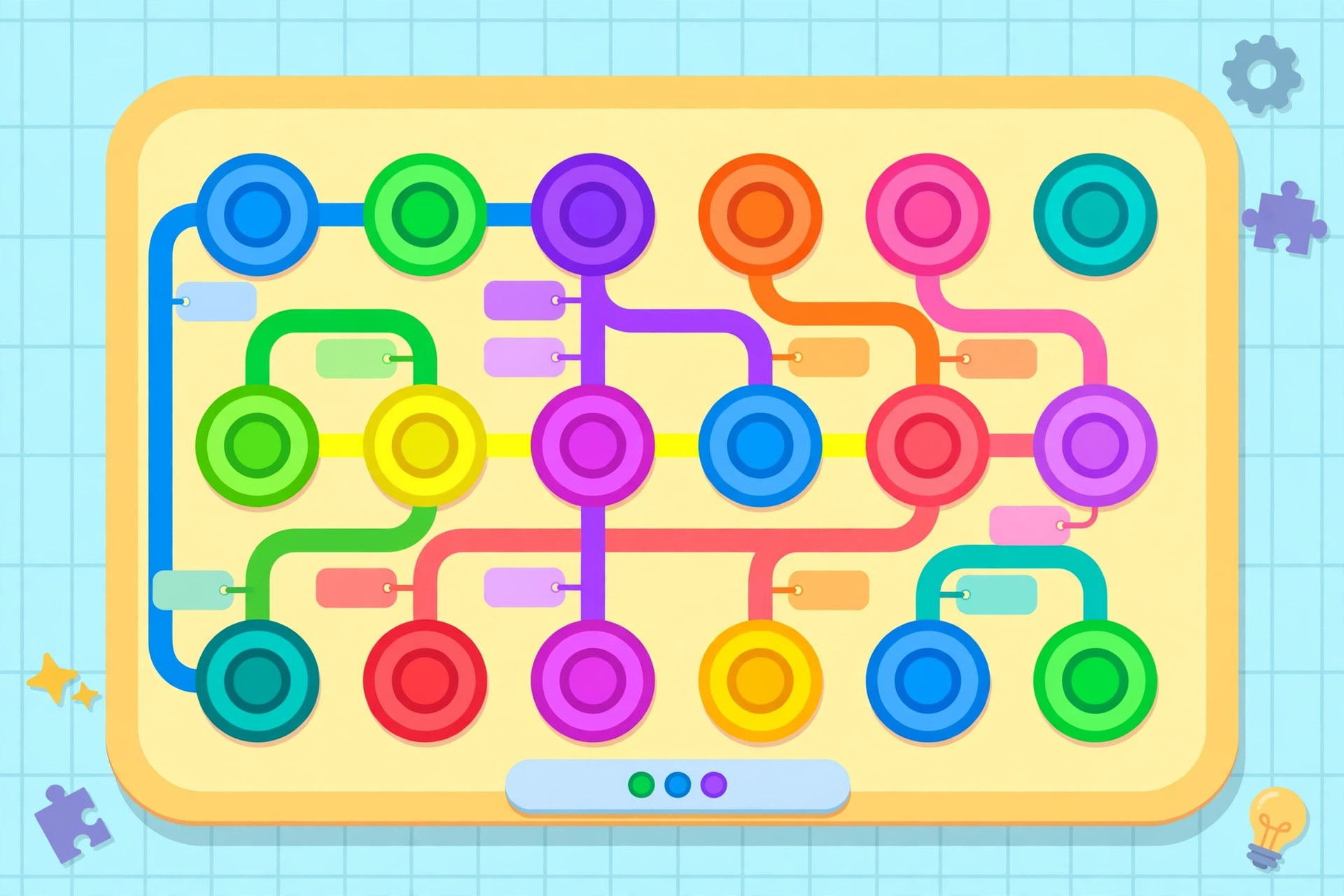
Reading about systems is not the same muscle as building them. Climb this ladder in order — each rung is a ten-minute build that teaches exactly one new idea:
- Rung 1 — The hello door. One Button, one Barrier, one wire. Press, open. You have learned that devices hold settings and that wires carry a signal between two named endpoints.
- Rung 2 — The same door, wireless. Replace the wire with a channel named “hello.” Same behavior, new physics: the signal no longer cares about distance. You have learned that channels are settings, not lines.
- Rung 3 — The two-key door. Two buttons in different rooms, both required — the classic cooperative gate. However you solve it, you will meet state: the map must remember the first press. You have learned that logic needs memory.
- Rung 4 — The arena seal. A Zone on enter, a Barrier sealing behind, a Sentry waking beyond it — all on one channel. You have learned orchestration: one event, many listeners.
- Rung 5 — The full loop. A Counter tracking a resource, feeding a check, opening a door and resetting itself for the next player. You have learned systems: signals that flow in a circle and leave the map ready to run again.
Builders who finish rung 5 stop asking “can Creative do X?” and start asking “which chain is X?” — and that question, once it forms, never really stops being useful. Keep the ladder map. Months later it will look adorable, and it will still work, and both facts are the point.
Pin the ladder somewhere you will see it while building — a sticky note beats a bookmark. The rungs look almost insultingly simple written down, and that is the trap: most builders skip rung 3’s lesson about memory and meet it again at 11 p.m. inside a broken boss fight. Ten minutes per rung, in order, with the playtest button pressed after each, is the cheapest systems education on the platform. When you finish rung 5, delete nothing. That little ladder map is your personal reference implementation for every chain you will ever build again.
Wires teach you to see connections; channels teach you to think in events. You need both educations, in that order, and the ladder above delivers them in an afternoon. Start climbing.
Frequently Asked Questions
Should beginners use wires or channels first?
Wires. They are visible, concrete, and perfect for one-trigger-one-effect designs. Graduate to channels when one event needs several reactions.
Can a device both send and receive?
Yes — most devices can transmit on one event and receive on another, which is what makes chains (and relays) possible.
Why did my channel not fire?
Check the names character by character on both ends, confirm the transmitter’s trigger event is the one actually happening, and confirm the receiver’s action is set. Those three cover nearly every failure.
Do wires cost anything extra?
Connections are part of the devices themselves; the real budget to watch is map memory, which devices — not their links — consume.
Final Thoughts
Wires are handshakes; channels are announcements. Learn the wire for your first door, the channel for your first big moment, and deliberate naming for everything after. That is genuinely all there is between a decorated map and a designed one.
