

Game codes are perfect for a one-off lesson, but typing a fresh code every period gets old fast. That is the problem gimkit classes solve: students join your class once, and from then on they can enter your games and see your assignments without a new code each time.
This teacher guide covers creating a class, adding students smoothly, and organising multiple groups without chaos. Classes are part of the platform’s teacher toolkit alongside assignments and reports, so if you also use homework, our guide to Gimkit assignments is the natural next read.
how to create a class in gimkit
Learning how to create a class in gimkit takes about a minute. From your teacher dashboard, open the Classes section and choose to create a new class. Give it a name your students will recognise instantly — the pattern “Period 2 – Science” beats anything clever, because students scanning a list on a busy morning need clarity, not wit.
A few setup decisions are worth making deliberately:
- One class per group you actually teach — resist merging groups; separate classes mean separate reports and cleaner data.
- Name for the school year — adding the year or term helps when classes roll over and last year’s groups linger in your account.
- Create classes before you need them — five quiet minutes in September beats a corridor scramble in October.
Once the class exists, Gimkit gives you ways to fill it: a join code/link for the class itself, and roster importing where available. If your school lives in Google Classroom, rosters can sync — our walkthrough of Gimkit and Google Classroom covers that connection step by step.
gimkit class code
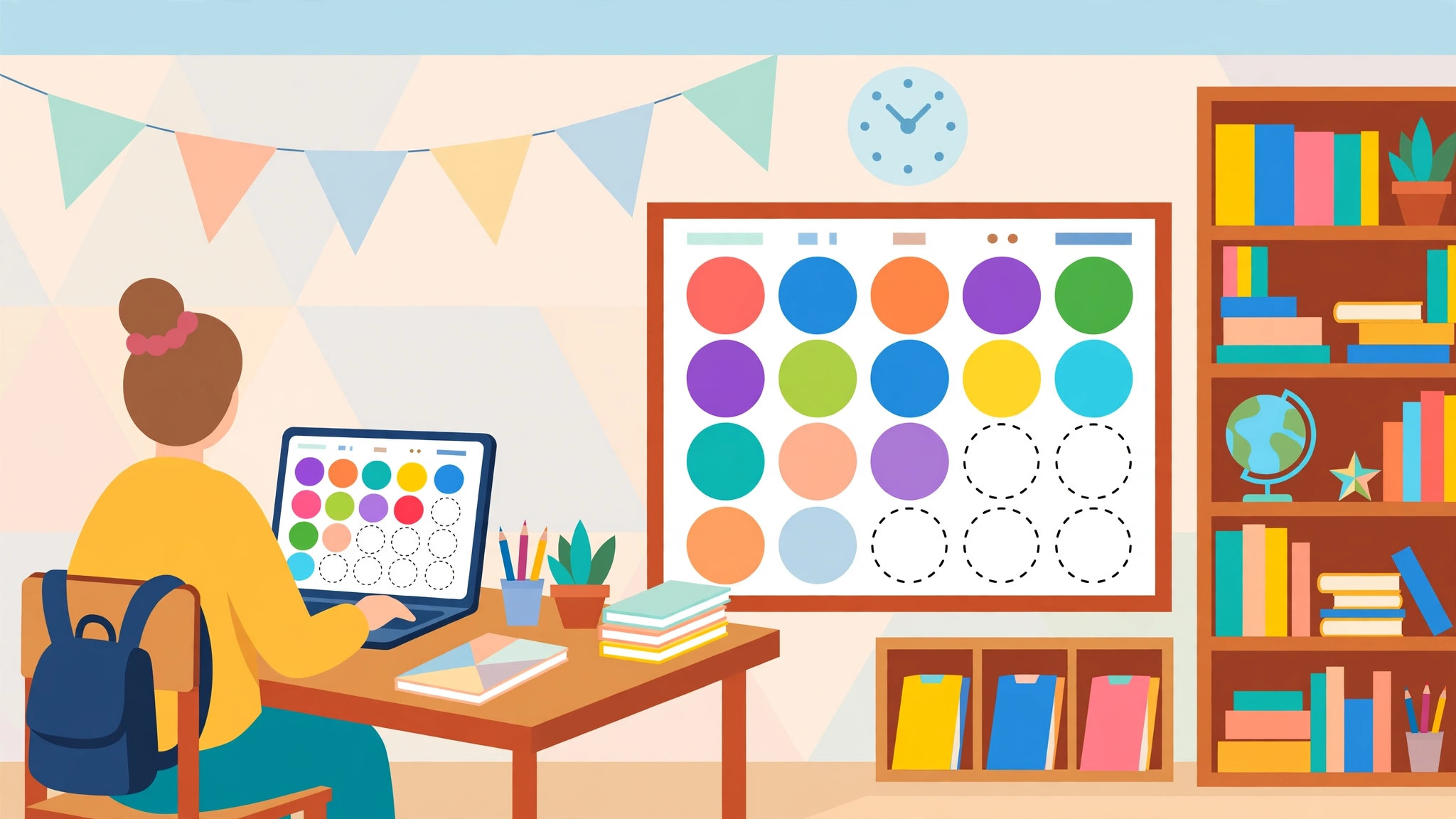
The gimkit class code is the class-level cousin of the game code. You share it once — projected on the board, posted in your classroom platform, or printed on a handout — and each student uses it to join the class a single time.
How it differs from a game code matters:
- Game codes are per session, expire when the game ends, and work for anyone holding them.
- Class codes enrol a student in your class persistently, so future games and assignments find them automatically.
Treat the class code like a classroom key rather than a secret. Students sharing it with a friend in another period is a minor nuisance you can fix by removing the stray member, not a security incident. Still, avoid posting it in fully public places, and regenerate or reset it if your school prefers tighter control.
Project the code on day one, give students two minutes to join, and check the member list on screen together — the students whose names are missing are exactly the ones who would have struggled silently later.
add students to gimkit class
There are three practical ways to add students to gimkit class rosters, and most teachers use a blend:
- Self-join with the class code — fastest for older students; they join from their own devices in class.
- Roster import — connect a classroom platform and pull the list in, which keeps names spelled the way your school records them.
- Manual tidy-up afterwards — remove duplicates, fix the inevitable “xX_Gamer_Xx” display names, and add the student who was absent on join day.
That last step deserves emphasis: set a naming rule on day one (“real first name, last initial”) and enforce it while the class list is on screen. Clean rosters make reports readable, and readable reports are the ones you will actually use at parents’ evening.
Mid-year joiners are inevitable — a new student, a timetable shuffle. Keep the class code in your sub folder and your classroom page so any adult covering your lesson can enrol a newcomer without your help. And if account questions come up — do students need their own accounts at all? — our explainer on Gimkit student accounts answers it fully.
gimkit classes for teachers
Used well, gimkit classes for teachers become the organisational backbone of the whole platform. Once rosters live in classes, everything else gets easier:
- Hosting — start a game for a class and members join without hunting for codes.
- Assignments — send homework to a whole class in a couple of clicks, with completion tracked per student.
- Reports — results organise themselves by class and student, so progress over a term is visible at a glance.
- Differentiation — duplicate a kit, soften or extend it, and assign each version to the right group without public winners and losers.
A small discipline pays off: spend ten minutes at term’s end archiving old classes and creating next term’s. Teachers who do this describe Gimkit as “set up once, easy all year”; teachers who skip it describe Monday-morning code chaos. The feature is the same — the habit is the difference.
One more class habit worth forming concerns removals and changes. Students leave, move sets, or occasionally need removing from a roster they joined by mistake. Tidy these the week they happen rather than in a term-end panic: a roster with graduated students still on it will haunt your reports for months, and a current student missing from the list will be locked out of exactly the assignment you most need them to complete. Think of your class list as a living register, not a September artefact.
Co-teachers and shared classes deserve a mention too. Where two adults genuinely share a group — a job-share, a supported class with a regular second teacher — make sure both can access what they need before the term starts, not during the first cover emergency. Ten minutes of permissions admin in week one is invisible; its absence in week seven is a corridor full of waiting students.
Set it up once, benefit all year
Create your classes this week, enrol students with the class code, tidy the names while everyone can see the list, and let the system carry the admin from there. Fewer codes, cleaner reports, faster lesson starts — that is the quiet superpower of classes done right.
For the official steps for your exact account type, the Gimkit Help Center documents class creation and roster tools in detail. Your future self, starting a game in ten seconds flat while the class settles, says thanks.
class rituals that make rosters feel like communities
Technology organises the roster; rituals organise the belonging. Teachers who get the most from gimkit classes tend to build tiny ceremonies around them: a two-minute “personal bests” shout-out after Friday’s game, a rotating student DJ for the lobby music debate, a class-vs-class fixture once a term with a trophy that is objectively worthless and emotionally priceless. None of this appears in any settings menu, and all of it is why students experience the class as theirs rather than as a database row.
Rituals also solve a management problem for free. A class with shared jokes and standing traditions polices its own lobby behaviour far better than a class governed only by rules — nobody spams the game that carries the trophy rivalry. When you are deciding whether the few minutes a ritual costs are worth it, price in the discipline you will not have to enforce later.
Start with one ritual, small enough to survive your busiest week. Consistency beats scale: a tiny ceremony that happens every week becomes culture; a grand one that happens twice becomes a story about the time the teacher tried something.
when classes change mid-year: leavers, joiners and merged groups
Rosters breathe. A student leaves in November, two arrive in January, and in spring the timetable merges your group with another. Each event takes two minutes of class-admin: remove the leaver so their data stops haunting reports, add joiners with the standard routine rather than a corridor improvisation, and after a merge, run one low-stakes game whose real purpose is social — new classmates learning each other’s names at game speed.
Keep a single note of these changes with dates. When a parent asks why a report looks odd, or a colleague inherits your group, the note answers in seconds. Gimkit classes reward this light-touch record-keeping disproportionately: the platform handles the games, but only you can keep the human list honest — and an honest list is what makes every report downstream worth trusting.
the two-class problem: same students, different lists
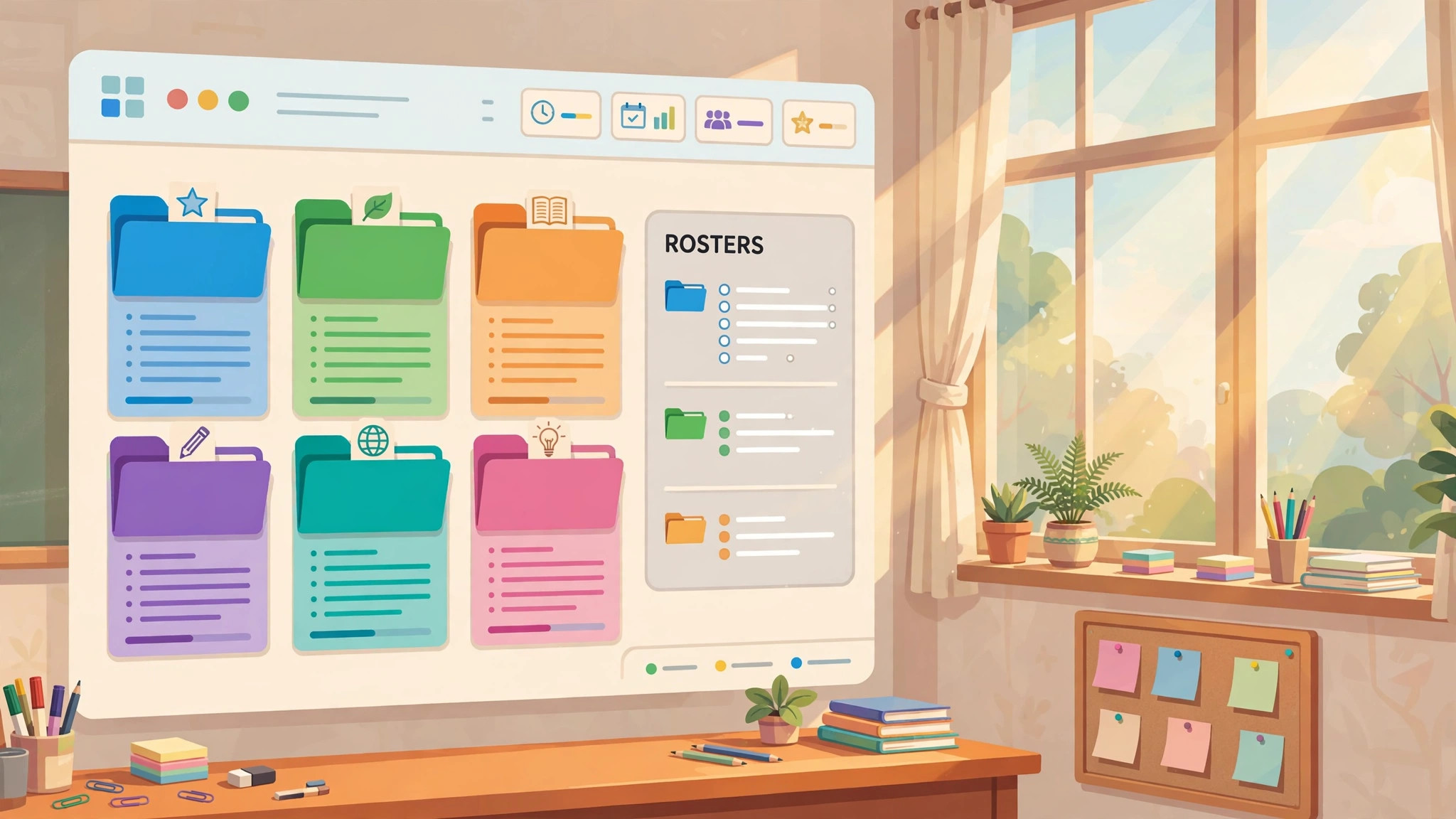
Many teachers meet the same students in two subjects and wonder whether one class can serve both. It can — a roster is a roster — but separate classes keep reports, assignments and messaging cleaner, and students read the boundary between subjects more clearly when their digital spaces respect it too. When in doubt, organise the way you would a filing cabinet: one folder per subject, even if the same names appear in both. Clarity compounds; confusion does too.
frequently asked questions
How many classes can I create? Class and roster features are part of the Pro toolkit, and limits — where they exist — follow your plan. Teachers with many sections usually find one class per taught group is the right granularity; if a limit ever appears, check your current plan on the official site.
Can a student be in more than one class? Yes — a student in both your science class and your homeroom can belong to both rosters, joining each group’s games and assignments as they come. Memberships are independent, so nothing about one class leaks into another’s reports.
What happens to a class at the end of the year? Archive it rather than deleting in haste: you keep the year’s report history while clearing it from your active list. Create fresh classes for the new year so this year’s data never tangles with next year’s rosters.
A student joined the wrong class — how do I fix it? Remove them from the wrong roster and have them join the correct one with that class’s code. Do it promptly: assignments sent in the meantime only reach members of the right class, and catching it early saves a confused homework conversation.
