


Every Gimkit Creative map lives on a budget, and the budget is called memory. Gimkit creative memory is the allowance of building capacity each map gets: every tile, prop and device you place spends some of it, and when it is gone, you cannot place another thing. Running out mid-build is a rite of passage — understanding gimkit creative memory before it happens is just better planning.
This guide explains the limit, what spends memory fastest, the dreaded “map too big” wall, and the reduction techniques experienced builders use. It pairs with the devices guide (devices are the big spenders) and the terrain guide (terrain is the steady drip).
gimkit memory limit
The gimkit memory limit is 100,000 memory units per map — 100% of your budget, with 1% equal to 1,000 units. The editor’s memory bar shows how much you have used; if it is not visible, you can turn it on in the editing settings, and you should — building without watching the bar is driving without a fuel gauge.
What spends the budget, in rough order of appetite:
- Devices are the big spenders, and they are not equal: complex devices like Sentries are famously expensive (on the order of 1,000 units for a sentry), while simple ones cost far less. Every duplicate device adds its cost again.
- Block code inside devices is pricey too — each block of code carries a real memory cost (around 500 units), which is why elaborate logic must be designed lean.
- Props are cheap individually (roughly 10 units each) but are placed by the hundred — decoration is a volume business.
- Terrain costs steadily: every tile placed is a tile counted, and huge tiled fields quietly become a serious line item. There are also per-type placement ceilings (wall terrain, for instance, caps out well before memory does if you tile endlessly).
The design lesson hides in the proportions: a map rarely dies by terrain alone. It dies by a hundred devices, heavy code, and decoration sprawl together — death by a thousand placements, each one “only a little.”
gimkit map too big
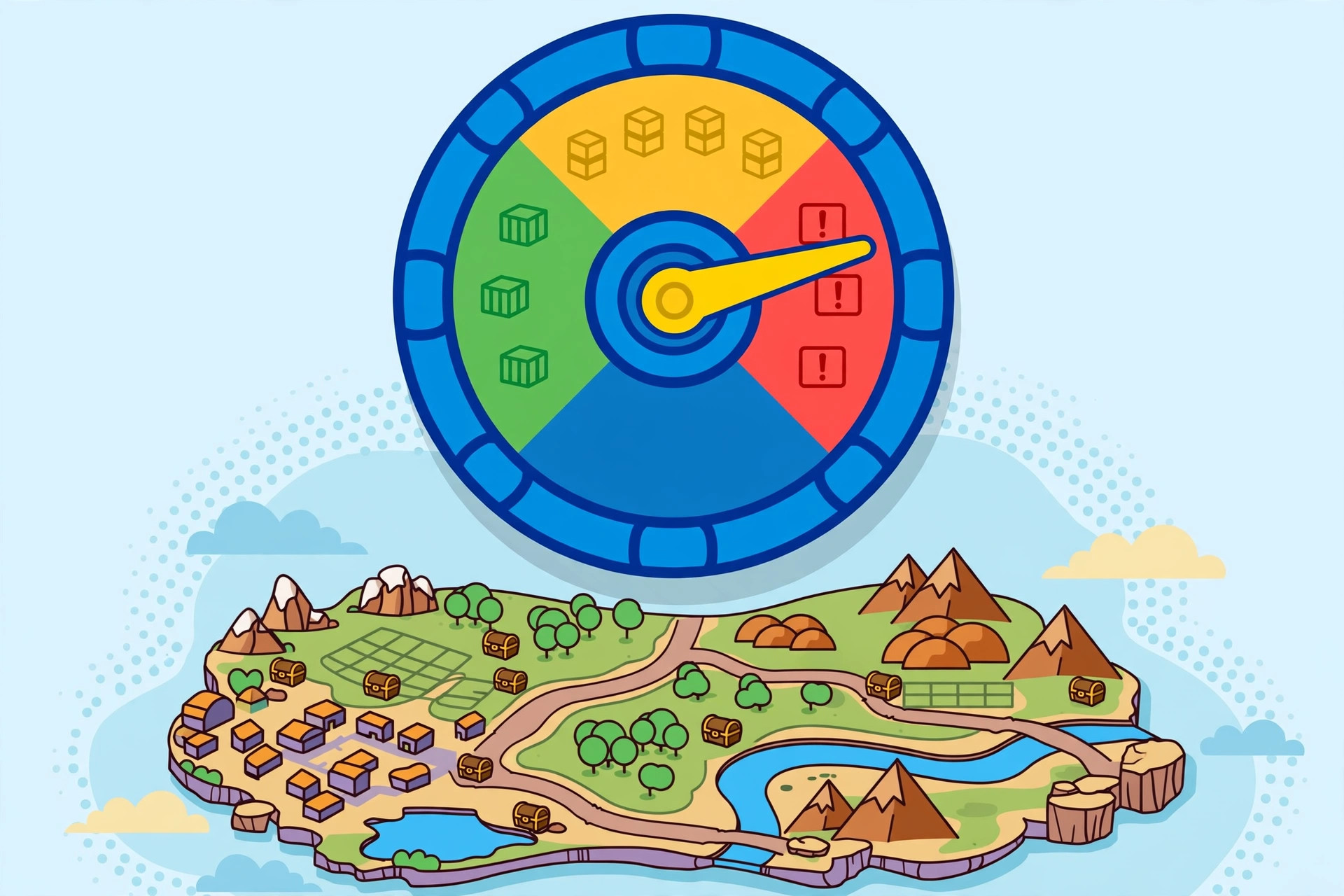
The gimkit map too big moment arrives in familiar ways: the memory bar creeps past 90%, placing a new prop silently fails or warns, and the map you imagined at 150% of the cap must become a map that fits at 100%. Every experienced builder has stood here. The wrong responses are panic and deletion at random. The right response is an audit:
What is the map spending on?
Walk your build in three passes. Device pass: count your devices and find duplicates doing one device’s job. Code pass: open your most complex devices and look for bloated block logic doing simple things the hard way. Decoration pass: stand in each area and ask which props a player actually notices.
What is out of sight?
Terrain and props outside the playable area — the scenery beyond the walls, the “just in case” rooms — cost exactly as much as the spaces players love. If nobody will ever see it in play, it is the first cut.
What can be split?
The community’s classic answer to a beloved over-budget map is a sequel: end Part 1 at a natural chapter break (a teleporter “to be continued”) and build Part 2 as its own map. Two maps at 80% each beat one map squeezed to a joyless 100%. Sequels also publish better — players finish things.
reduce memory gimkit creative
Concrete techniques to reduce memory gimkit creative builders rely on:
- Prefer channels over device duplication. One device broadcasting on a channel can replace several devices wired copy-paste style. Logic shared is memory saved.
- Decorate the linger zones, starve the corridors. Players remember hubs, arenas and puzzle rooms. The hallway between them needs a fraction of the props.
- Choose hero props over prop carpets. Ten large set pieces beat two hundred tiny scatter items for looks and budget.
- Trim terrain borders. Shrink decorative margins around playable space; a two-tile frame reads the same as a six-tile frame at player zoom.
- Simplify block code. Combine repetitive blocks; if a device’s code repeats a pattern, there is usually a leaner structure. Code is memory spent invisibly — audit it.
- Delete your drafts. Every map accumulates abandoned corners: the test room, the old spawn, the experiment that failed. They all still cost. Clean as you go; do a dedicated cleanup pass before publishing.
- Watch the bar per pass, not per project. Check memory after each building session. A budget discovered at 60% is a plan; discovered at 99%, it is a crisis.
The Gimkit Help Center and the Creative community forums are the references for exact per-device costs, which can shift as the platform evolves — the habits above outlast any specific number. Our props guide covers decoration discipline in more depth; memory sanity is mostly that discipline plus device restraint.
Budgeting a Build Before You Place a Tile
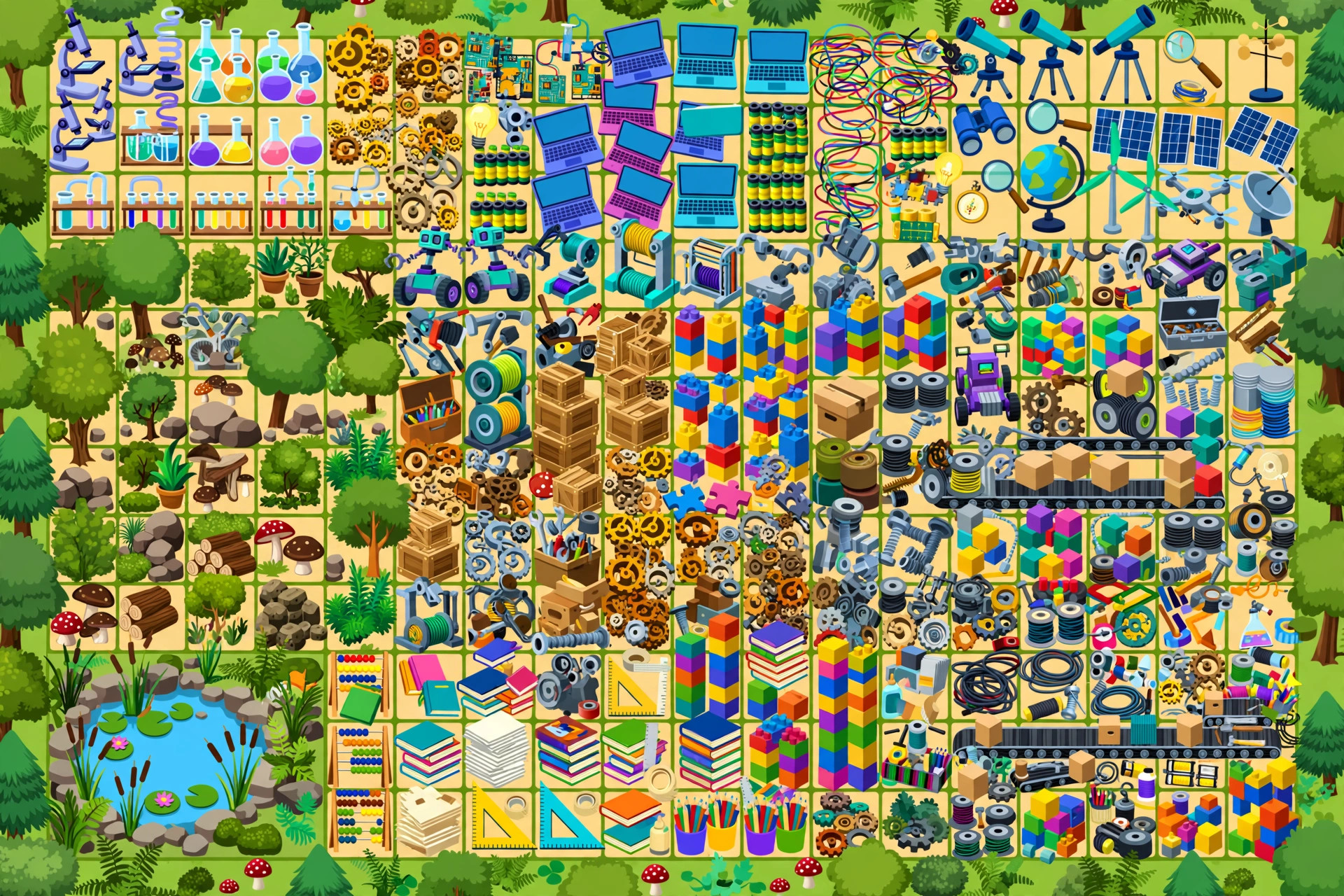
Professional builders allocate memory the way producers allocate money: before spending any of it. A rough allocation that has saved many maps:
- Structures and terrain: about a third. Rooms, routes, platforms — the skeleton. Terrain is predictable spending; measure your test rooms and extrapolate honestly.
- Devices and logic: about a third. This is the appetite that grows teeth mid-project, because every good idea arrives wearing a device. Holding a third in reserve for it is the difference between “and then the boss fight fit” and “and then we cut the boss.”
- Decoration: no more than a quarter. The most compressible category — a room can almost always be suggested with fewer props than your first instinct places.
- Reserve: the remainder, untouched until the end. Every build discovers one more thing it needs. A map planned to 100% is a map planned to fail; plan to 85–90% and let the reserve absorb reality.
Write the allocation on the same scrap of paper as your layout sketch. When the bar crosses a category’s line, the decision gets made by past-you — the one who was calm and had the whole map in mind.
Case Study: Rescuing a 99% Map
A familiar story, composited from a hundred forum threads: a builder’s adventure map stalls at 99% with the final arena unbuilt. Panic suggests deleting the fishing village. The audit suggests something smarter.
The device pass finds fourteen sentries placed as atmosphere in early areas — guards nobody fights because the route bypasses them. Six are deleted outright; four are replaced by props (a statue reads as “guard” at a tenth of the cost and never shoots anyone — which, for scenery, is the point). The code pass finds one device carrying a cathedral of block code doing a job a channel does natively; rebuilt lean, it returns a four-figure sum of memory. The decoration pass thins the village’s prop clusters by a third — invisible to players, who never counted the crates.
Total recovered: comfortably more than the arena needs. Total content lost: none that any player will ever miss. That is the pattern to internalize — over-budget maps are almost never too much game. They are too much unexamined spending, and the audit, not the axe, is the tool.
Memory Myths, Busted
Four pieces of folk wisdom circulate in every Creative community. All four are wrong in ways that cost builders real maps:
“Terrain is free.” Terrain has its own generous caps, which is not the same as free — and walls you build from barriers instead of terrain are spending device memory to do terrain’s job. Use each system for its own work.
“Deleting props pays for devices.” The exchange rate is brutal: at typical per-prop costs, funding one serious device can take a forest’s worth of scenery. When you need real memory, audit systems, not decorations.
“The bar rounds down, so 99% is fine.” A map planned at 99% has no room for the bug fix, the requested feature, or the second boss phase — the three things every successful map eventually needs. Headroom is a feature; ship at 90.
“Big maps are better maps.” Memory measures cost, not quality. Some of the most replayed classroom maps are small, dense and ruthlessly edited. Spend memory like a poet spends words: the constraint is not the enemy of the work — properly kept, it is the work’s editor.
Carry one sentence out of this guide and tape it above your monitor: memory is a budget, not a score. The builders whose maps get finished, hosted and replayed are not the ones who spent the most — they are the ones who can tell you, for every system in the map, what it cost and why it was worth it. Build that sentence into your process and the bar stops being an enemy. It becomes the strictest, kindest editor you will ever work with.
Frequently Asked Questions
What happens at exactly 100% memory?
You cannot place anything further until you free space by removing things. The map still plays — you just cannot grow it.
Which costs more: terrain or devices?
Per item, devices — by far, especially sentries and code-heavy devices. In total, a sprawling map’s terrain and props can rival devices, which is why the audit covers all three.
Can I check memory before I start building?
Your budget is fixed at 100,000; the skill is allocation. Decide rough shares up front (say, half for structure and devices, half at most for decoration) and check the bar as you build.
Does memory affect how the map plays on school Chromebooks?
Leaner maps load and run more comfortably on modest hardware — one more reason the budget exists and one more reason to respect it.
Final Thoughts
Memory is not the enemy of creativity; it is the editor that forces choices. Know your 100,000, watch the bar, spend devices deliberately and decoration honestly — and your maps will finish instead of stalling at 99% with the best room unbuilt.
