


Strip every other device out of a Gimkit map and it can still be a game — as long as one device remains. The Gimkit Questioner device is the piece that serves your questions inside a Creative map. Without it, a map is a screensaver; with it, every step a player takes is powered by learning.
This guide explains how the gimkit questioner device works, how to connect your Kit, the settings worth touching, and where to place questioners so your map flows. If you are still wiring up your first map, our Gimkit Creative beginner’s guide covers the full build, and our guide to adding questions to Gimkit covers making the Kit itself.
questioner gimkit creative
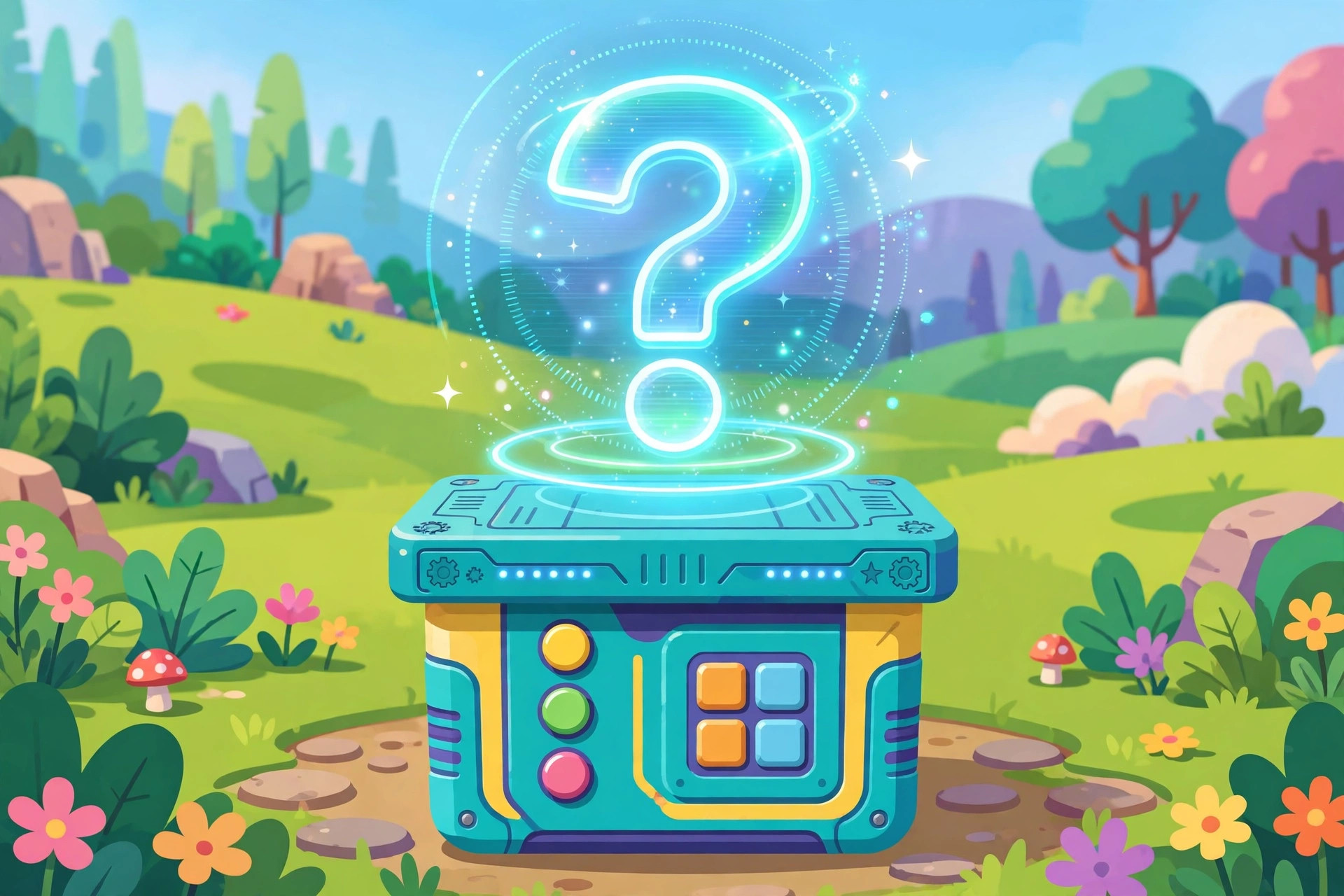
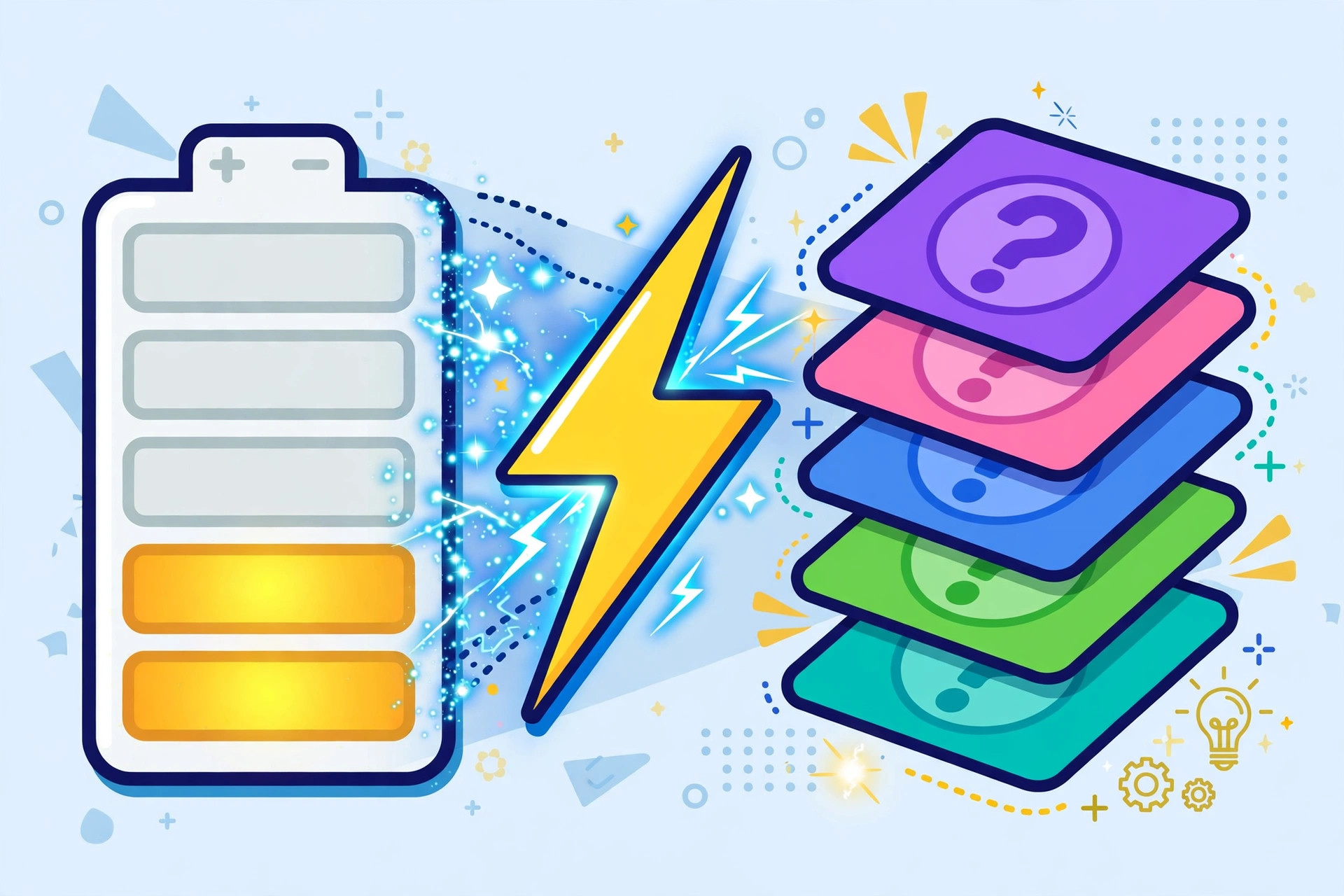
The questioner gimkit creative device has one job: when a player interacts with it, it deals out questions from the Kit you have connected to your map. In 2D maps, players move by spending energy, and answering questions correctly is how they earn that energy. The Questioner is the gas station of your entire map.
The basic pattern repeats everywhere:
- Player reaches a Questioner and interacts with it.
- A question from your Kit appears.
- A correct answer pays out energy (and an incorrect one teaches a quick lesson at no real cost beyond a moment of time).
- The player spends the energy moving, jumping, opening the next stretch of map — until they need another Questioner.
This loop is why map pacing is really Questioner pacing. Long stretches without a questioner starve players of energy; questioners on every corner remove all tension. Good maps space them like water stops in a race: always reachable, never trivial.
One questioner serves the whole map’s Kit — you do not need a different device per question. Many builders place several questioners around a large map, all pulling from the same Kit, so players can refuel wherever they roam.
add questions to gimkit creative map
To add questions to gimkit creative map builds, you work at two levels: the Kit and the device.
At the Kit level, your map uses a question Kit just like a live game does. Build a fresh Kit for the map, or select one you already own. All the usual advice applies: mix question types, keep answers unambiguous, and include enough questions that players do not memorize the sequence in one playthrough. A map players will replay (an escape room, a race) deserves a bigger Kit than a one-off activity.
At the device level, you place the Questioner, open its settings, and make sure it is connected to your map’s Kit. Then walk up to it in a playtest and answer a few questions yourself. This five-minute check catches the classic beginner problems:
- The Questioner is placed but never connected to a Kit.
- The device is hidden behind terrain or a prop where players cannot reach it.
- There are too few questioners for the map’s size, so players run dry mid-route.
Also think about which questions your map asks. A review map before a test should pull the actual test topics. A fun Friday map can use a lighter trivia Kit. The device does not care — but your learning goals should drive the choice, and the official Gimkit Help Center has guidance on building strong Kits if you want a refresher.
Placement and Settings Tips That Actually Matter
After the basics, three decisions separate clunky maps from smooth ones:
Put a Questioner near the start. Players spawn with limited energy. A questioner within the first few steps teaches the loop instantly (“answer → move”) and prevents the classic dead start where a new player stands still, confused, out of energy.
Repeat generously in big maps. Energy runs out mid-journey, not at convenient moments. Scatter questioners at natural rest points: after a climb, before a boss, at the entrance to each new area. If a playtester ever backtracks a long way just to refuel, that is a missing questioner asking to be placed.
Use questioners as gates. A questioner in front of a door or teleporter creates a soft checkpoint: you may pass when you have demonstrated the knowledge. Puzzle maps and escape rooms lean on this constantly — answer to proceed is the purest Gimkit design pattern there is.
Devices only get more powerful when combined: the Questioner is one of the core pieces in the full Gimkit Creative devices lineup, and most advanced builds start with a questioner and add exactly one partner device at a time.
Energy Math: Thinking Like a Designer
You do not need formulas, but you do need one habit: walk your map and count the cost of the journey. Every stretch of movement and every jump drains the energy that questions provide. A designer’s question is never “is there a Questioner in this room?” — it is “can a player who arrives here nearly empty still reach the next one?”
Three rough zones emerge in every map:
- Fuel-rich areas (spawn, hubs, rest rooms): questioners plentiful; players top up and plan. Being generous here costs nothing and prevents early frustration.
- Fuel-neutral areas (normal routes): a questioner at each natural pause keeps the tank steady.
- Fuel-poor areas (challenges, climbs, boss approaches): scarcity is the point — tension comes from watching the gauge. Scarcity is only fair if the player chose to enter knowing a refuel waits on the other side of success — or if failure returns them somewhere fuel-rich.
The classic beginner map accidentally inverts this: generous at the challenge, barren at the start. One slow walk-through with a fresh character exposes it instantly. Designers who develop the fuel instinct stop receiving the review “great map, kept getting stuck,” because stuck in a Gimkit map almost always means starved, not lost.
Questioner Placement Patterns
Four patterns cover most good maps:
The fountain. One questioner in a hub that players return to between excursions. Works for hub-and-spoke maps and adventure layouts.
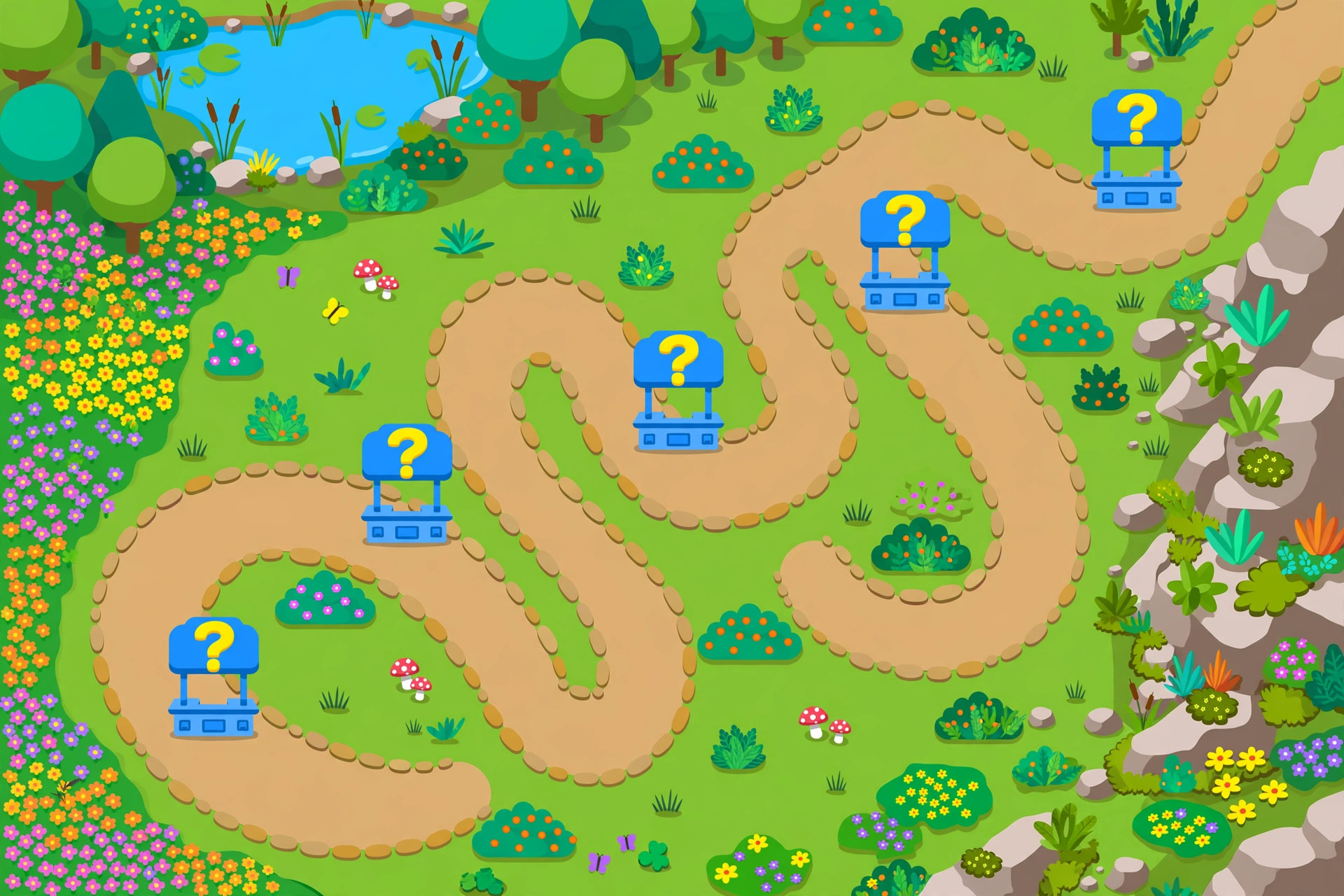
The trail of crumbs. A questioner at every rest point along a linear route — after each climb stage, before each new room. The natural pattern for escape rooms, races and obbies.
The gatekeeper. A single questioner standing between the player and a door, teleporter or boss: answer to proceed. The purest test-gate in the toolbox; use it where demonstrating knowledge is the checkpoint.
The oasis. A deliberately remote questioner rewarding explorers who leave the main path — placed in the secret room, at the summit, past the optional challenge. Oases teach players that curiosity pays in this world.
Maps usually mix two patterns: crumbs along the route, an oasis or two off it. What matters is that the placement was chosen. A questioner dropped wherever the cursor happened to be is how starvation maps are born.
When Players Say “The Questions Are Too Hard”
Sometimes the complaint arriving at the questioner is not about placement or supply — it is about the Kit itself, and the device will faithfully expose every flaw in the set feeding it. Tighten the diagnosis before touching the map.
If players stall at one specific stage, check whether the Kit’s hardest questions cluster there: a set heavy with difficult items will ambush whichever questioner serves the late game, and spreading the difficulty across the set (or splitting the map into two Kits, early and late) fixes what looks like a device problem.
If players call the questions hard everywhere, the set is simply above the room — swap in a level-appropriate Kit before redesigning anything. And if the complaint is really “too many,” the energy-per-answer tuning is your lever: fewer, more valuable answers keep the challenge in the content and out of the arithmetic. The questioner is the messenger of the Kit’s sins. Diagnose honestly, and half your “device bugs” evaporate without a single setting touched.
There is a teaching opportunity hiding in the complaint, too. When a class says the questions are too hard, they are giving you precise curriculum data: the topics inside those questions are the topics to re-teach this week. Read the questioner’s complaint log like a formative assessment — because that is exactly what it is — and the device ends up improving your lessons as well as your maps.
Finally, keep a small builder’s log for each map you ship: where the questioners sit, what each answer is worth, and what players said after the first session. Three lines per map, written while the session is fresh, will save you from re-diagnosing the same tuning mistakes in every new build. The questioner rewards builders who remember — because energy economies are invisible in the editor and unmistakable in the log. Your future maps are only as smart as your notes from the last one.
Frequently Asked Questions
Can a map have more than one Questioner?
Yes — place as many as your layout needs. They all serve the same connected Kit, so players can refuel anywhere.
What happens when a player answers incorrectly?
They do not earn the energy for that question and simply try again. There is no harsh penalty, which keeps the loop encouraging for younger students.
Do I need a new Kit for every map?
No. You can reuse Kits across maps and live games. Many teachers keep one strong review Kit and use it everywhere.
Why are my players running out of energy?
Usually spacing: too few questioners for the map’s size, or too much distance between them. Add questioners at rest points and playtest the full route.
Final Thoughts
The Questioner is small, plain, and absolutely essential: it turns walking into learning by making knowledge the fuel. Connect your Kit, place questioners where players naturally pause, playtest the energy flow, and your map will feel right. Every other device is decoration compared to this one — get the questioner right first.
