


A map with no opposition is a walk. The Gimkit sentry device is what pushes back: a stationary character you place in the editor that watches its area, engages players who wander too close, and turns quiet rooms into encounters. The gimkit sentry is how builders create guards, gatekeepers and full boss fights inside Gimkit Creative maps — and it is easier to use well than most beginners expect.
This guide covers what a sentry is, the settings that control how tough it feels, and placement patterns for enemies and friendly-feeling NPCs alike.
sentry device gimkit
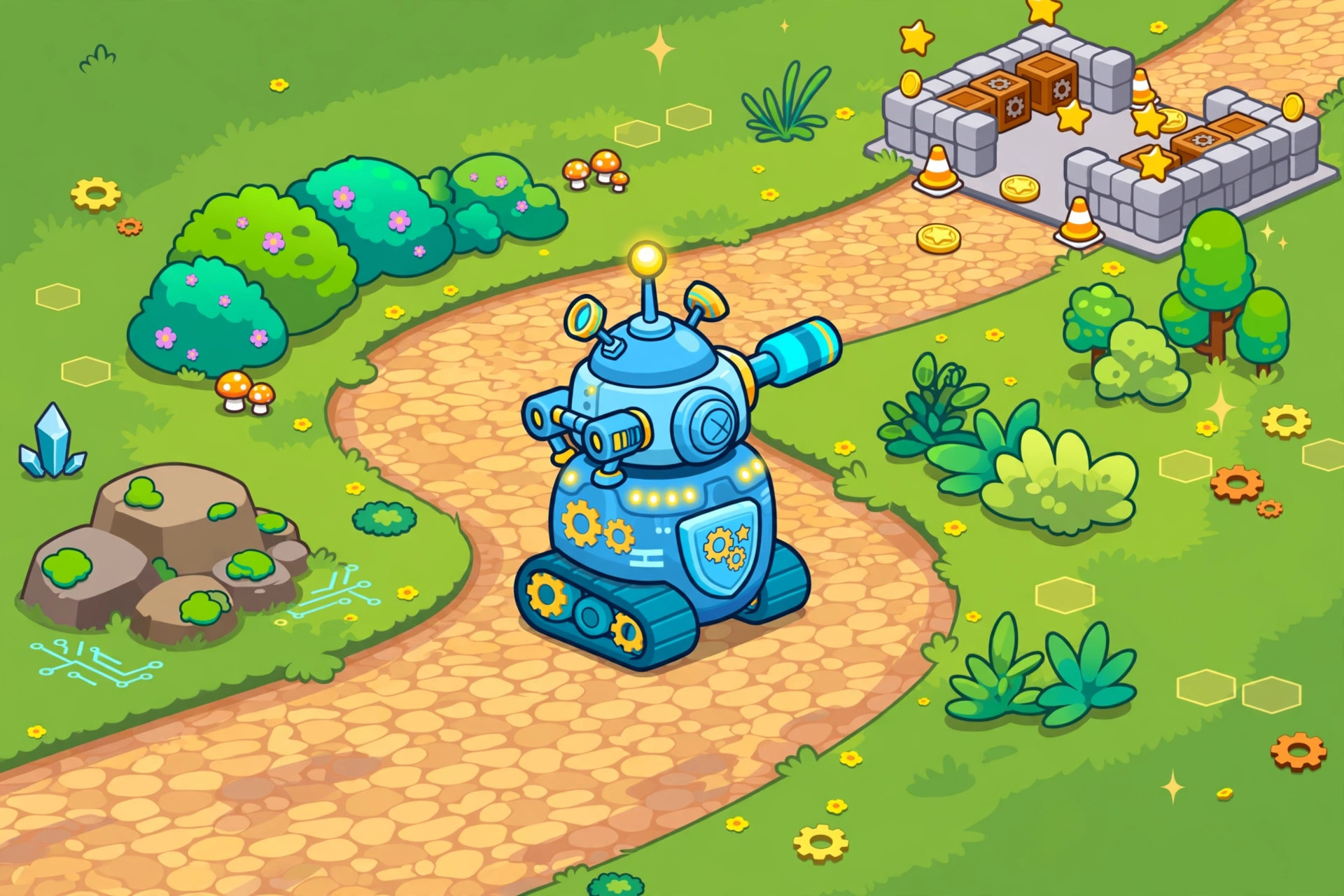
The sentry device gimkit provides is essentially a robot player. It stands where you place it, dressed in a Gim appearance you choose, equipped to challenge players who enter its range. When a player comes close, the sentry engages — firing at the player until the player retreats out of range, is knocked out and respawns, or defeats the sentry first.
Key behaviors to understand:
- Sentries are stationary. They hold a post. They do not patrol or chase across the map, which makes them predictable — a feature, not a bug, for classroom design.
- They can be defeated. Players fight back with gadgets (granted by Item Granters you place) and with enough hits a sentry goes down — and can be set to respawn after a delay if you want a persistent guard.
- Range defines the encounter. A sentry only engages players within its set area of awareness, so placement and range together decide where the fight happens.
- They remember nothing. Leave, heal up, come back — the sentry treats each approach fresh (with its health as you configured it).
Because sentries anchor a spot, they pair naturally with the things players want: put the sentry between the player and the teleporter, the key item, the next room. Opposition with a purpose is what makes an encounter feel designed instead of random.
gimkit creative enemies
Most builders meet the sentry as the way to make gimkit creative enemies, and one sentry can play many roles depending on settings and surroundings:
The hallway guard. One modest sentry watching a corridor. Teaches players the combat basics with low stakes.
The gatekeeper. A tougher sentry in front of a door or teleporter the player must pass. Beating it is the ticket forward — perfect for adventure maps that want a skill check between chapters.
The boss. A high-health sentry in a purpose-built arena, backed by cover terrain and gadget grants. The boss fight is a genre of its own; our full boss fight build guide designs one step by step.
The turret team. Two or three sentries whose ranges overlap create a genuinely hard zone for end-game areas. Use sparingly — overlapping fire frustrates younger players fast.
Difficulty lives in the sentry’s settings panel, where you can adjust things such as its health, how far it can engage, and how it respawns. Small numbers make a friendly guard; big numbers make a legend. Playtest every sentry yourself: if you cannot beat it in three tries, your students will not enjoy it either.
gimkit npc
The other half of the sentry’s personality is the gimkit npc role. Not every character in a map has to be a fight. With its aggression neutralized by distance and placement — set apart from the player’s path, behind a barrier, or simply positioned as a bystander — a sentry can stand in a town square as the “shopkeeper,” guard a bridge as a “knight,” or wait at a finish line as the “judge.”
Design tricks for NPC flavor:
- Dress the part. The sentry’s Gim appearance is customizable — pick a design that reads as the character you intend.
- Give it a stage. A prop counter for the shopkeeper, a throne-ish chair for the king. Props sell the fiction cheaply.
- Use nearby text and zones. A Zone in front of the NPC can trigger the sense of “arriving to talk” and fire off other devices — a door opening, a counter ticking up — as if the NPC responded to you.
- Keep combat NPCs separate. If a “friendly” sentry can still shoot a player who steps wrong, students will read it as an enemy. Distance and barriers keep roles clear.
For exact setting names and the newest options, check the official Gimkit Help Center — device panels get small updates over time, and this guide focuses on the durable design ideas. Sentries also feature in the full devices guide, where you can see how they combine with counters and checkers for score-based encounters.

Tuning a Sentry: A Playtest Method
Settings panels invite guessing; playtests give answers. Use this loop for every sentry that matters:
- Fight it exactly as a player would. Spawn fresh, pick up the same gadget players get, approach the same way they will. No editor shortcuts, no extra health in your head.
- Count your attempts. Beat it first try without trying? Too soft for a gatekeeper, fine for a tutorial guard. Three honest attempts and still down? Too hard for anyone but a finale boss — and probably too hard for that too.
- Change ONE setting, then refight. Health is the coarse dial; range is the sneaky one (a long-range sentry starts fights before players feel ready). Single changes teach you what each dial actually does; changing three at once teaches you nothing.
- Watch a beginner fight it. Their hesitations are data. If they never find the cover you placed, the cover is scenery, not cover. If they retreat and cannot re-engage, your arena has a flow problem no setting fixes.
Two or three loops of this — twenty minutes — turn a guessed sentry into a tuned one. It is the highest-value time in all of Creative building, because encounters are what players remember.
Sentries and Energy: The Hidden Half of Difficulty
Sentry difficulty is only half sentry. The other half is energy. Fighting happens inside Gimkit’s question economy: players move, dodge and act on energy earned by answering. A sentry guarding a spot far from any questioner is fighting opponents who arrive half-starved — the same sentry, effectively twice as hard.
Use that deliberately. A guard near a questioner is a fair fight: players can regroup, refuel, re-engage. A guard at the end of a long, questionless corridor is a war of attrition — reserve that cruelty for optional challenges and secrets, where the player chose the risk. And if your playtests say “impossible” while your settings say “medium,” check the fuel before touching the dials. Nine times out of ten, the sentry is innocent and the map is hungry.

Sentry Placement Patterns That Keep Working
After enough maps, builders develop a small repertoire of placements they reach for instinctively. These five earn their keep in almost any combat map:
- The doorway guard. One sentry just inside an entrance, forcing an immediate decision: fight, dodge past, or retreat and prepare. It announces “this area is defended” in the first three seconds.
- The crossfire pair. Two sentries positioned so their ranges overlap on the route players want to take, with cover placed to break the overlap in slices. Hard by geometry, fair by design.
- The high-ground watcher. A sentry above the route, punishing players who stroll the exposed path and rewarding the ones who found the covered way around. Placement as level-design commentary.
- The sleeping giant. A respawning, heavyweight sentry guarding an optional treasure. Skilled players detour for the fight; everyone else learns where not to wander yet. Optional difficulty, elegantly priced.
- The escort shadow. A modest sentry covering the questioner players must use. It does not need to win — it needs to keep the fuel stop interesting for the entire game, not just the first visit.
Notice that every pattern is a sentence about player behavior, not just a coordinate. Placement is choreography: you are deciding what the player will do in this space, and the sentry is merely how you ask.
A final tuning habit: after placing any sentry, stand where the player stands and ask what the sentry is for in this exact spot — to tax, to guard, to teach, or to thrill. If the honest answer is “it was empty here,” the sentry is furniture with a health bar, and the map will be stronger with it moved to a place where its purpose is obvious. Purpose-placed sentries are why some small maps feel handcrafted while some enormous ones feel generated. The setting sliders matter less than the sentence you can say about each placement.
Frequently Asked Questions
Can a sentry move or chase players?
No. Sentries hold their post and engage players who enter their range. Design around the post: place the thing players want within or beyond the sentry’s reach.
How do players defeat a sentry?
With gadgets — typically granted by an Item Granter placed before the encounter. Make sure players can actually get a gadget first; a sentry fight with no way to fight back is a wall, not a boss.
Can I make a sentry friendly?
A sentry’s nature is to engage in range. To use one as an NPC, keep players out of engagement range (distance, barriers) and let props, dress and surrounding devices sell the character.
How many sentries can I place?
Sentries are among the more memory-hungry devices, so a map full of them eats your memory budget quickly. A few well-placed sentries beat a crowd every time, in both design and performance.

Final Thoughts
The sentry is Creative’s drama device: a guard, a gatekeeper, a boss, or — with distance and staging — a character. Tune its settings gently, always give players the tools to win, and playtest every encounter yourself. Do that, and your maps gain the one thing quiet maps lack: stakes.
