


Every big Gimkit map has a moment where walking stops making sense — the next area is far away, hidden, or somewhere a player should arrive with a little wow. That is the Gimkit teleporter‘s job: step on one pad, appear somewhere else instantly. The gimkit teleporter is simple to place and endlessly useful, and it is usually the first device that makes a beginner’s map feel like a real game world.
This guide explains how teleporters pair up, how to set them up cleanly, and the design patterns — hub worlds, shortcuts, secret rooms — that make teleporters the most fun device in Gimkit Creative.
how to use teleporters in gimkit
Learning how to use teleporters in gimkit takes about two minutes:
- Place two teleporter devices — one where players start the jump, one where they should land.
- Put them in the same group. In each teleporter’s settings you assign it to a group; teleporters that share a group are linked, so stepping onto one sends the player to its partner in that group.
- Playtest the jump. Walk onto the pad, confirm you land where you expect, facing a sensible direction, with room to move.
That is the whole mechanic. A few setup habits will save you headaches:
- Keep one pair per group. Two teleporters sharing a group = one clean A↔B link. Cramming extra pads into the same group creates unpredictable landings.
- Leave landing space. Do not aim a landing pad at a wall corner or the edge of a platform; players should arrive with a step or two of breathing room.
- Make pairs readable. Put each pad on similar-looking floor, or theme the two ends alike, so players learn “these pads are connected” at a glance.
- Test both directions. Most builders test A→B and forget B→A, until a player gets stranded in a one-way puzzle.

teleporter device gimkit
Zoom out and the teleporter device gimkit offers is best understood as your map’s transportation system. Walking is local travel; teleporters are the express lines. Used well, they solve three classic map problems:
Distance. A map can be huge if players do not have to walk every inch of it. Build areas far apart — an island here, a sky base there — and let teleporters stitch them into one adventure. This is how adventure maps and multi-stage escape rooms stay compact on screen but epic in scope.
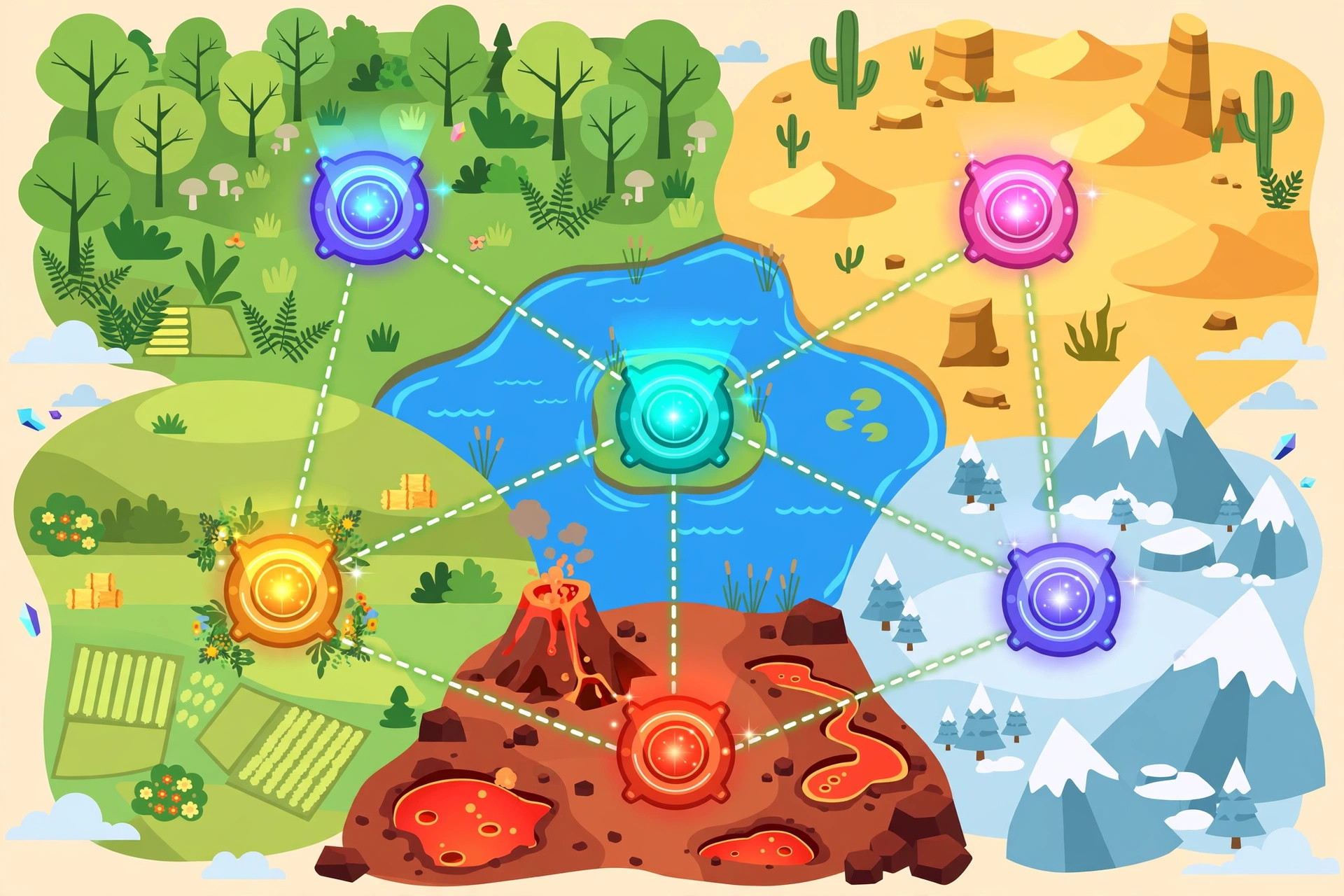
Structure. A central hub with teleporter pads to each level is one of the most-loved layouts in Creative: players return to the hub, choose their next challenge, and never feel lost. It is the video-game “level select” pattern, built from one device type.
Reward. A teleporter makes a perfect prize. Finish the puzzle, and a pad appears (or unlocks) that skips you past a long walk everyone else must take. Shortcut teleporters behind hard sections make skilled players feel genuinely rewarded.
Teleports also pair beautifully with Zones: a zone can announce a new area’s name as the player materializes, or trigger a door to close behind them for a true “no going back” moment.
Design Ideas Worth Stealing
- The hub world. One decorated central room, four pads, four themed areas. Returning to the hub between areas keeps large maps friendly for younger players.
- The secret room. Hide a teleporter behind a prop or at the end of a fake dead-end; reward explorers with a bonus room (and maybe a pile of energy via a nearby questioner).
- The boss shortcut. After a boss fight, open a teleporter back to the start so winners never re-walk the whole arena route.
- The puzzle chain. Teleporters that land you in small rooms, each with one clue — the backbone of many escape-room maps.
- The one-way drop (platformer). In platformer maps, a teleporter at a summit sends players back to base — the kindness that makes hard climbs replayable.
For the official settings reference for this and every device, the Gimkit Help Center remains the source of truth; everything here is the practical layer on top.

Teleporter Troubleshooting: The Four Classic Failures
When a teleporter misbehaves, it is almost always one of these four — check them in this order before rebuilding anything.
Failure 1: Nothing happens when a player steps on the pad. The pair is not actually paired. Open both teleporters and compare their group settings character by character. Groups that merely look alike (a typo, a trailing difference) are strangers, and strangers do not teleport.
Failure 2: The player lands somewhere unexpected. A third teleporter has wandered into the same group. Somewhere in your map — often a pad placed early and forgotten behind scenery — an extra device shares the group. Hunt it down and give it its own group or delete it.
Failure 3: The player lands stuck. The destination pad sits flush against a wall, inside a prop’s space, or at a platform’s crumbling edge. Give every landing a clear tile or two on all sides. Players materialize exactly where the pad is; the pad’s neighborhood is your responsibility.
Failure 4: It worked in testing, then “broke.” Usually nothing broke — a well-meaning edit session moved a pad or regrouped it. Teleporters are load-bearing: treat their settings as frozen once a map works, and re-run the two-direction test after any editing session nearby.
The meta-lesson: teleporters fail silently and specifically. A sixty-second checklist — groups match, no third pad, landing clear, both directions tested — prevents every public embarrassment this device can cause.
Teleporters in Platformer Maps
Everything so far applies to both styles, but platformer maps give teleporters a second career: mercy infrastructure.
In a climbing map, falling is the core punishment — and unmoderated, it is too harsh. The community’s standard mercy is the checkpoint floor: a player who falls lands on a floor at the stage’s base, where a teleporter returns them to the stage start. The fall costs seconds and pride, not the whole run. Notice what the teleporter does to the emotion: players attempt the scary jump because the return is cheap. Mercy, paradoxically, makes players braver.
Teleporters also solve the summit problem. A one-way pad at the top returns winners to the lobby — no tedious descent, no winners clogging the final platforms while others still climb. And in multi-route platformers, paired pads let skilled players skip a mastered early section and start at the interesting part, the mark of a course that respects its veterans.
One platformer-specific warning: never place a landing pad where its arrival point hangs over a drop with no floor in the arrival tile’s immediate area. A player materializing mid-step over a pit experiences your map’s rudest possible surprise.
Teleporter Etiquette in Shared and Student Maps
When maps are played by a whole class — or built by students for each other — teleporters carry a social dimension the settings panel never mentions. A teleporter that drops players somewhere punishing without warning reads, in a classroom, less like design and more like a prank; the builder loses the room’s trust for the rest of the map.
The etiquette that keeps trust is simple: make destinations legible (signage, matching colors, a visible twin), make arrivals safe (no instant hazards on the landing pad — a player who just arrived deserves one beat to orient), and make one-way trips honest (if there is no way back, the map should say so before the step, not after).
Advanced builders can break any of these rules deliberately — horror maps live on broken expectations — but breaking them knowingly, for an effect, is craft; breaking them by accident is just a trap with extra steps. Teach this etiquette to student builders explicitly and their maps improve overnight, because most “mean” teleporter design is thoughtlessness, not malice.
The payoff compounds beyond a single map. A class that trusts teleporter design stops hesitating at every portal and starts reading the map’s intentions generously — which lets the next builder take real creative risks with an audience willing to follow. Trust is shared infrastructure. Every fair teleporter you ship makes the whole community’s maps more adventurous, including your own.
Before you publish any map with more than a handful of teleporters, do one last pass devoted to nothing else: ride every single route yourself, in order, at full speed, the way an impatient student will. Time the whole network. If any leg confuses you — the person who placed the pads — it will stop a classroom cold. Five minutes of riding your own creation is the cheapest insurance in all of Creative building, and the teleporters, of all devices, are the ones that punish skipping it. Ride the network, fix the leg that made you blink, and ship with confidence.
Frequently Asked Questions
Can a teleporter send players to more than one place?
Keep it simple: one group = one linked pair. For a hub with many destinations, use several teleporter pairs, each with its own group, side by side.
Do teleporters cost energy to use?
No — the pad itself is free to use. The energy cost of a map is in walking and jumping between pads, fueled by answering questions.
Why did my player land in the wrong place?
Almost always a grouping mix-up: two pads sharing a group with another pair. Check each teleporter’s group setting and test again.
Can enemies or sentries use teleporters?
Teleporters are for players. Sentries stay where you place them — which is why a teleporter is also a legitimate escape tool when a sentry guards a hallway.
Final Thoughts
Place a pair, group them together, test both directions — that is the entire skill, and it unlocks hub worlds, secret rooms and maps far bigger than one screen. If your map ever feels like a long walk, it is probably asking for a teleporter.
