


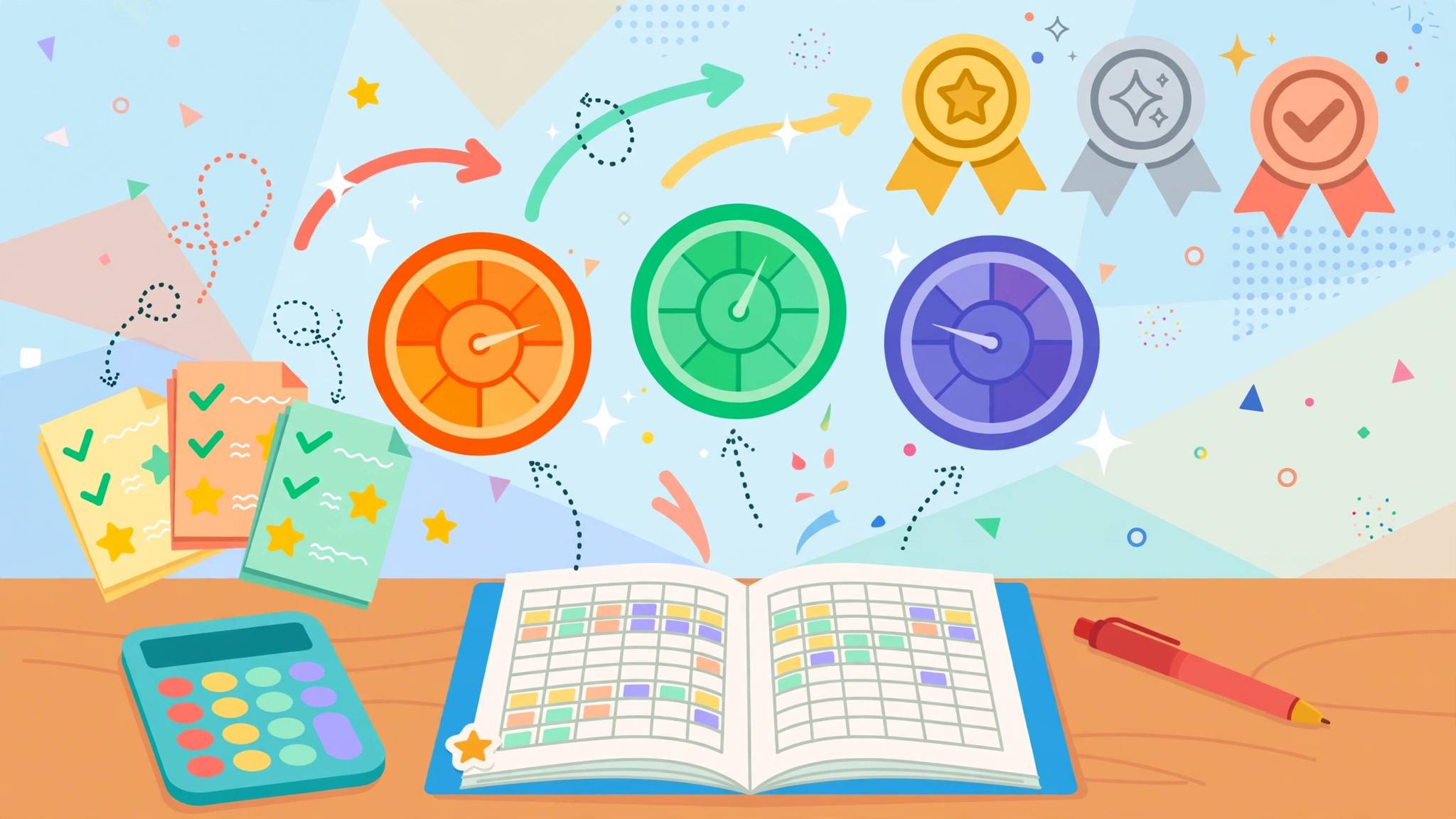
The game ends, the class cheers, and then comes the part that actually moves learning forward: the report. Gimkit reports collect everything that happened during play — who answered what, which questions caused trouble, and how each student performed — and turn a noisy, joyful lesson into clean teaching evidence.
This guide shows you exactly what a report contains, how to read results and grades sensibly, how to see individual student answers, and how to convert all of it into your next teaching moves. Reports are the bridge between “that was fun” and “that worked” — and if you use homework too, the same skills apply to tracking completion, as our guide on how to track Gimkit assignments explains.
gimkit results
The gimkit results view is the headline summary of a finished game or assignment. At a glance you will typically see the class’s overall performance, each student’s completion or score, and how the group did question by question. Think of it as the dashboard you open while the lesson is still fresh, ideally within minutes of the final whistle.
Results are most useful when you read them in a deliberate order:
- Class average first — did the group, as a whole, get it? A strong average with a few strugglers calls for targeted help; a weak average across the board means the teaching needs another pass, not the students.
- Question extremes second — the most-missed and most-aced questions tell the real story of the lesson, far more than the middle of the pack.
- Individual outliers third — the student who aced everything may need extension work; the student who missed everything may have had a device issue, a reading barrier, or a genuine gap. The report raises the question; a quiet conversation answers it.
A practical tip: glance at results before your next lesson with that class, not just immediately after the game. Patterns you would miss in the post-game buzz become obvious with a night’s distance — “oh, everyone stumbled on the same two fraction questions” is a planning gift.

gimkit grades
Teachers naturally ask how gimkit grades should work — can a game score go in the gradebook? The honest answer is: carefully, and usually indirectly. Game performance mixes knowledge with speed, mode mechanics and a little luck. A student can top a Tycoon leaderboard through smart upgrading as much as perfect knowledge, and a careful, accurate student can finish mid-table in a fast 2D mode despite knowing the content cold.
That said, reports absolutely can inform grades in defensible ways:
- Completion credit — assignments finished to the set goal are a clean, binary measure that suits homework grading.
- Accuracy on questions — question-level accuracy (rather than final game rank) is the closest thing to a quiz score the platform produces.
- Growth over time — a student’s accuracy trend across a term of reports is meaningful evidence for parent conversations and report comments.
If your school syncs classes with Google Classroom, our guide to Gimkit and Google Classroom shows how results sit alongside your regular gradebook workflow. The golden rule: let Gimkit data support your professional judgement, never replace it — you know which game was chaotic, which class had the fire drill, and which score deserves a second look.
see student answers gimkit
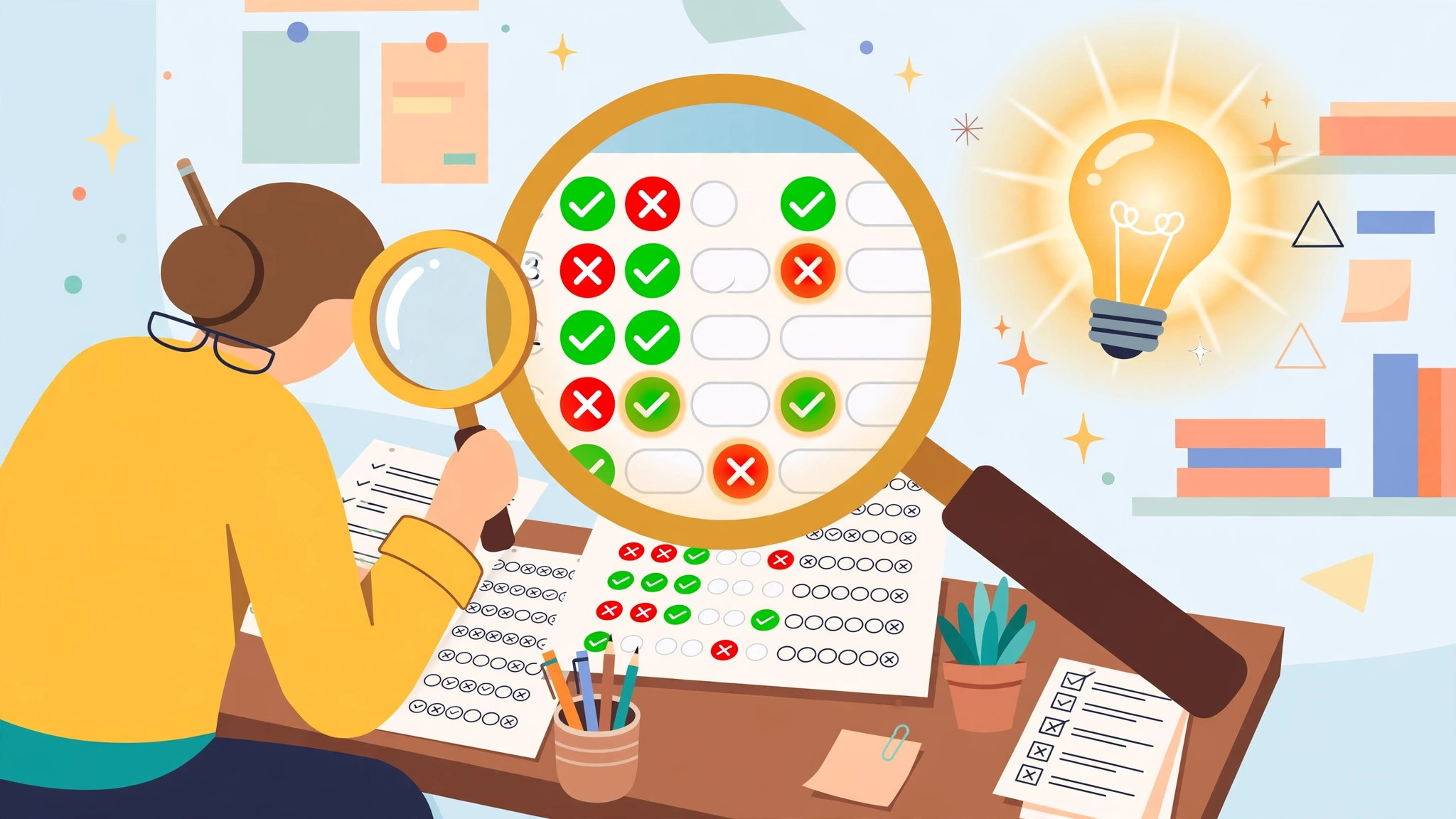
The most powerful feature in the whole reporting toolkit is the ability to see student answers gimkit recorded, question by question and student by student. Instead of knowing that Maria scored 70%, you can see that Maria missed the same concept three times in three different wordings — which tells you it is a knowledge gap, not a slip.
Use this detail for three high-value jobs:
- Misconception spotting — when several students pick the same wrong answer, they share a specific misunderstanding. That distractor just diagnosed your next mini-lesson for you.
- Question quality control — if your strongest students all miss one question, suspect the question. Ambiguous wording shows up here first, and fixing it improves the kit for every future class (an approach we champion in our Gimkit test review playbook).
- Honest feedback conversations — “you missed every question about X, let’s fix that together” lands completely differently from a bare percentage. Students engage with specifics; they shrug at numbers.
One caution: answer-level detail is formative gold but surveillance overkill if you narrate it too closely. Use it to plan help, not to catch students out — the class will keep playing honestly if reports feel like support rather than spying.
There is a fourth use teachers often miss: curriculum memory. A single report tells you about a lesson; a folder of reports across a year tells you about your course. Which topics produced durable accuracy and which evaporated by the following month? Which kit you built in a rush outperformed the one you laboured over? When you plan next year’s scheme of work, these reports are the most honest consultation you will get — they show what students retained, not what the timetable claims you covered. Departments that review report patterns together, even once a term, make strikingly better decisions about where to spend scarce revision time.
gimkit report after game
The gimkit report after game play is available as soon as a session ends, and the same style of report follows homework assignments when their window closes. Build a small ritual around it and the data starts working for you automatically:
- Two minutes, same day — scan the extremes: top missed questions, anyone who completed nothing, anyone who flew.
- Five minutes, before next lesson — decide the one or two reteach points the data demands, and edit any broken questions in the kit while you are there.
- Termly glance — look across reports for a class: accuracy rising? Which topics never stuck? This is your revision plan writing itself.
Reports can also be shared as evidence — with department heads asking about impact, with parents asking how their child is doing in your subject, and with students themselves at target-setting time. Few classroom games hand you this quality of evidence as a by-product of a lesson students begged to play.
From scores to teaching
A report is not the end of a game; it is the beginning of the next lesson. Read results in order, treat grades with professional care, use answer-level detail to find the exact misconception, and keep the whole ritual quick enough to actually happen. Do that, and every game quietly makes the following one better targeted.
For the official rundown of current report features, the Gimkit Help Center is the authoritative source. Open your most recent report now and find the two questions everyone missed — your next great mini-lesson is hiding in them.
turning gimkit reports into your Friday five minutes
The most sustainable way to use gimkit reports is to give them a fixed, tiny appointment: five minutes, same day every week, three questions only. Which question did the class miss most — and why? Which student improved quietly? Which topic is genuinely finished, so next week’s plan can stop rehearsing it? Gimkit reports answer all three faster than any other document in your teaching life, because they were collected while students were too busy playing to perform for a test.
Write the answers down in one running note. By half-term, those notes are a map of your class’s real understanding — the kind departments pay consultants to approximate. Share the highlights generously: a student told, specifically, that gimkit reports showed their accuracy climbing for three straight weeks receives a different motivation from a generic “well done.” Data is cold only when nobody translates it. Translated weekly, in small warm doses, it becomes the most encouraging voice in the room.
reports for substitute days and handovers
One underrated audience for your data is the colleague covering your class. A substitute handed last week’s report knows instantly which topic was shaky, which game to replay, and which students will need the extension task — a handover of genuine value in half a page. When you return, their session generates its own report, and the story continues without a gap. Continuity like this used to require heroic note-writing; now it requires remembering that the data already exists and is already legible to any teacher who opens it.

reports and the honest conversation with yourself
Once a term, use the data for its most uncomfortable audience: you. Which of your units produced flat accuracy no matter the format? Which kit you loved is quietly your weakest teaching? Reports cannot answer why, but they point unerringly at where to look, and a teacher willing to be shown their own blind spots by a games platform has the exact growth habit the profession keeps preaching to students. Model it, and the data culture of your classroom changes from measurement to curiosity.
frequently asked questions
How soon after a game can I see the report? Reports are available as soon as the session ends — live games produce them at the whistle, assignments when their window closes or as students complete. The data is freshest in your head if you scan it the same day, even for just two minutes.
Can students see their own results? Students see their own performance in the moment — their score and standing during and after a game. The detailed, class-wide analysis is the teacher’s view: the place where patterns, comparisons and planning live. Share individual highlights with students; keep the full spreadsheet work for your planning.
Should a bad report worry me? Only if you ignore it. A weak report is a successful diagnosis, not a failed lesson — it tells you precisely what to reteach while there is still time. The genuinely worrying outcome is no data at all, which is what teaching without reports gives you every day.
Can I use reports as evidence for assessments or reviews? Yes, thoughtfully: trends in completion and accuracy across a term are solid supporting evidence for reviews and parent conversations. Present them as one strand alongside classwork and tests, and they strengthen — rather than replace — your professional record.
