

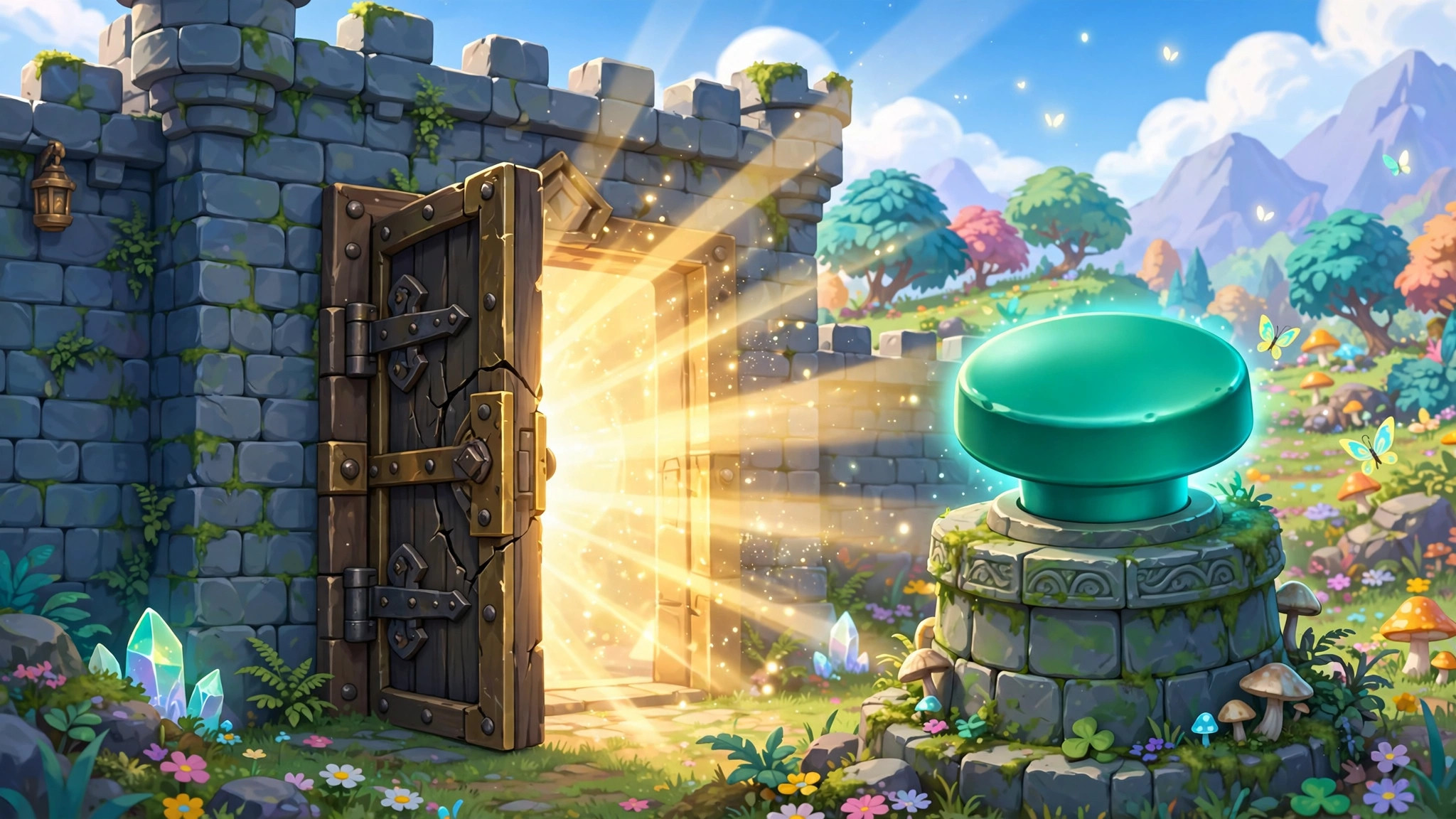
Every map needs things players cannot walk through — and the most flexible of those things is a device. Gimkit barriers are placeable blockers that can look like walls, behave like doors, or disappear entirely while still stopping players cold. The gimkit barriers device is how builders control flow in Gimkit Creative: what is open, what is locked, and what opens only when the player has earned it.
This guide explains how barriers work, how to turn them into doors that open on cue, and where invisible blockers quietly save designs.
barrier device gimkit
The barrier device gimkit provides is a shape you place on the map — sized and positioned like a piece of wall — with one defining trait beyond ordinary terrain: it can change state. A terrain wall is forever. A barrier can be active (solid) or inactive (gone) and can switch between the two when it receives a signal.
Core behavior to know:
- While active, a barrier blocks players completely — no walking through, no jumping over in platformer maps if you size it full-height.
- Barriers can be visible or invisible in their active state (more on invisible barriers below).
- Barriers respond to signals. Set one to deactivate when it receives a channel broadcast — from a Button press, a Zone entry, a Questioner success chain — and you have a door.
- Barriers have their own appearance settings, so a “door” can look like a door rather than a slab of wall.
That single on/off ability is what elevates the barrier from scenery to mechanism. Puzzles, locked rooms, staged reveals, arena seals — most of Creative’s “the map reacted to me” moments are a barrier changing state at the right time.
invisible barriers gimkit
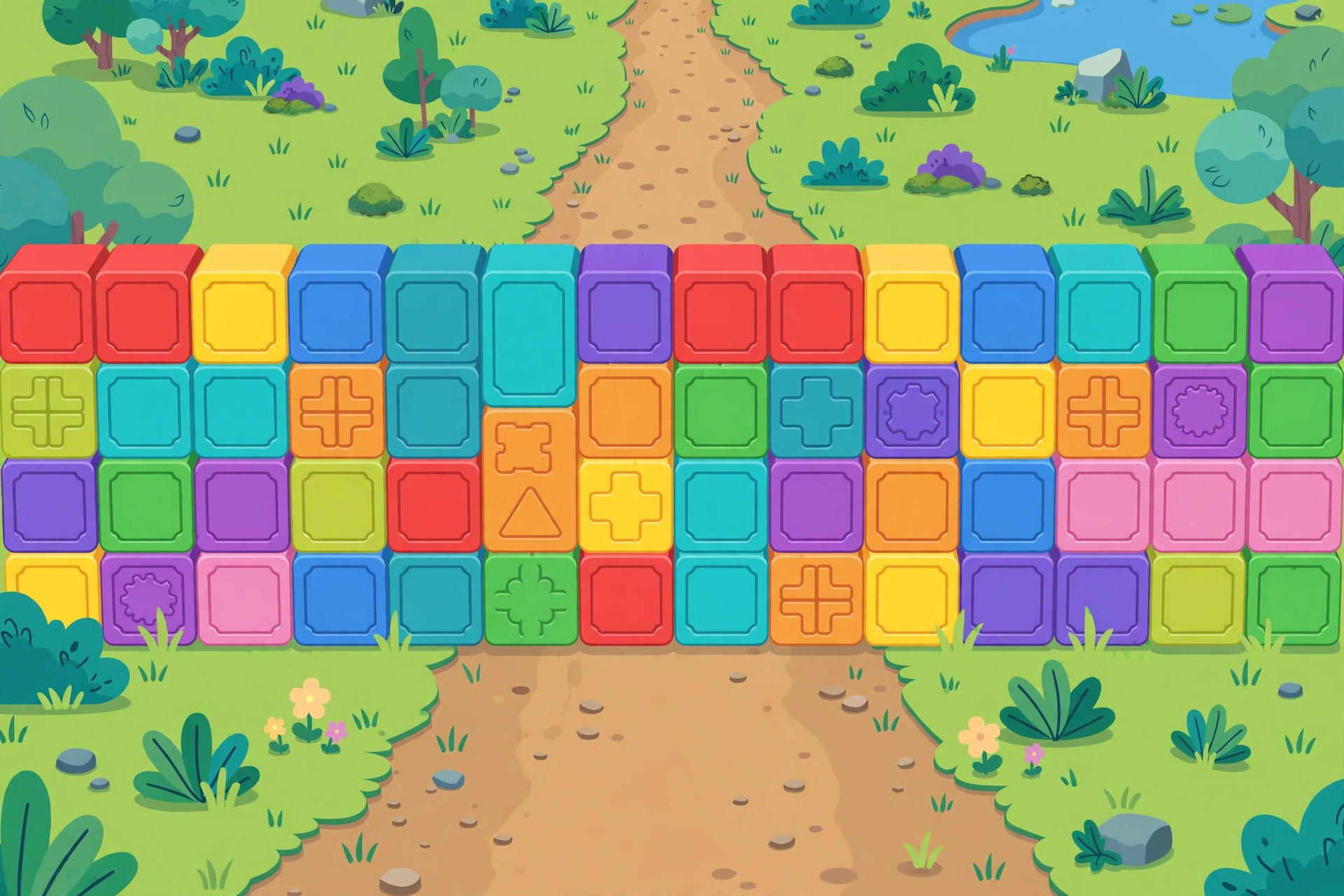
Invisible barriers gimkit builders use are the same device with its visibility turned off while active: the player sees open space but walks into an unseen wall. Used carelessly they feel unfair; used well, they are invisible stagehands doing essential jobs:
- Guard rails. The edge of a sky platform or a cliff path gets an invisible barrier so a careless step does not end a run — players bounce off “air” exactly where falling would be frustrating rather than challenging.
- Boundary keeping. Playable areas stay playable: invisible barriers along a map’s decorative edges stop players wandering into unfinished scenery without fencing the view.
- NPC pens. A friendly character’s area can be fenced invisibly so players can approach and “talk” (via nearby zones) without pushing into the character’s space.
- One-way-feel gates. Pair an invisible barrier with a visible one elsewhere and you can shape sneaky routes — visible where players should read “locked,” invisible where they should never test at all.
The fairness rule: invisible barriers should protect players, not trick them. If a player bonks into nothing in the middle of an obvious path, that is a design bug, not a feature. Reserve invisible blocking for edges and safety, and make main-path gates visible and readable.
Turning Barriers Into Doors
The door pattern is the barrier’s most famous use, and it takes three pieces:
- The barrier itself, placed across the doorway, active at start.
- A trigger — a Button beside the door (“press to open”), a Zone in the previous room (“clears when the puzzle room is solved”), or a Counter reaching its target (“collect 3 keys, door opens”).
- The connection — set the barrier to deactivate on the trigger’s channel (or wire them directly).
Our escape room build chains this pattern room after room: solve, hear the click, watch the way forward open. It never gets old because it feels like progress you caused.
Two refinements separate good doors from annoying ones:
- Doors that close behind you (barrier reactivates on a leave-zone) create commitment — perfect before bosses and final puzzles.
- Doors with a tell. A button, a sign-like prop arrangement, a sentry guarding the way — players should always be able to guess what might open a door.
Barriers live in the full devices lineup, and the Gimkit Help Center documents their exact settings. Where terrain defines your map permanently, barriers define it conditionally — and conditional space is where games happen.
Barrier Styling: Making Doors Readable
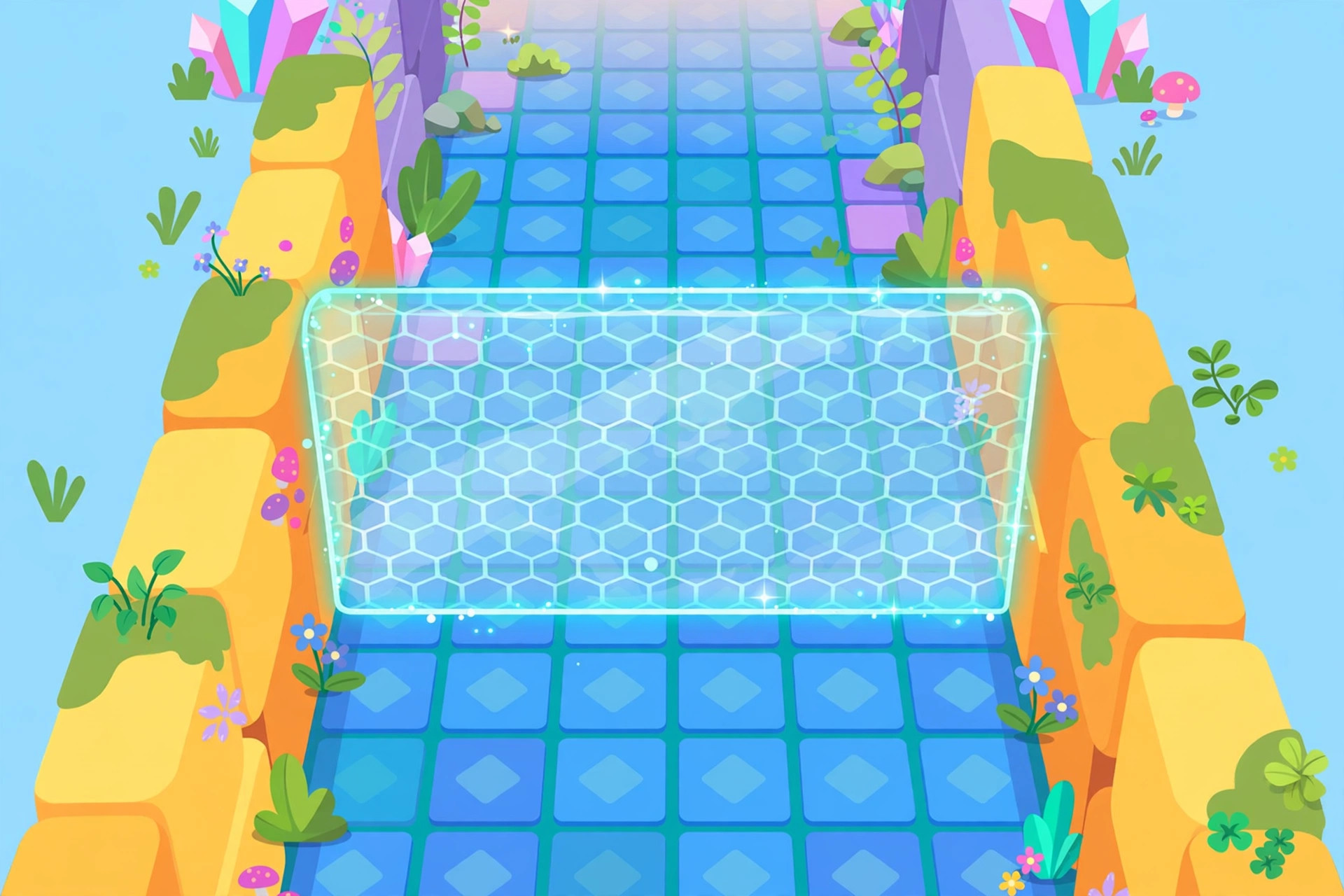
A barrier’s mechanics are invisible; its appearance is communication. Players approaching a closed barrier instantly ask two questions — “is that a door?” and “what opens it?” — and your styling answers both before a single device fires.
Consistency is the whole trick. If every openable barrier in your map shares a look — same appearance choice, same placement style — players learn the visual language once and read the whole map fluently. The first door teaches; every later door is recognized. Maps that style each door differently force players to re-guess at every threshold, and the guessing feels like bad design even when the logic is perfect.
Pair the door with its key. Whatever opens the barrier should be visible from the barrier, or discoverable in the same room: the button beside the frame, the sentry standing guard, the questioner glowing across the chamber. A door whose trigger hides three rooms away is not a puzzle; it is a scavenger hunt with no list.
Use state changes as feedback. When a barrier drops, that moment should be noticeable — ideally the player is looking at it, or a nearby effect (a teleporter lighting, a counter chiming its target) points their eyes toward it. A door that opens silently off-screen gets discovered by accident minutes later, and the cause-and-effect lesson — I did that — is lost.
Barriers as Puzzle Pieces
Beyond doors, barriers are quiet puzzle machinery:
The staged reveal. A room built in halves: the second half exists behind a barrier wall the player can see over or through the layout of, but not enter — until the first half’s task completes and the wall drops. Curiosity does the teaching; the barrier just holds the curtain.
The shrinking arena. In boss fights and survival rooms, barriers that activate in stages shrink the safe space as the fight escalates. The room itself becomes the timer. Players feel escalation in their feet before they can name it.
The maze that rewrites itself. A grid of barrier segments where solving stations toggles walls — some opening, some closing — reconfigures the maze between attempts. It is the most advanced barrier pattern on this list and worth building once, slowly, just to feel how much game lives in one device that can simply be there or not there.
The safety gate. A barrier that stays closed until a checker confirms the player is ready — has the item, has the points, has finished the tutorial room — turns “you must be this prepared to proceed” into architecture instead of instructions.
Thinking About Barriers as Promises
There is a final, slightly philosophical way to hold this device that makes every practical decision easier: a barrier is a promise the map makes to the player. A closed barrier says there is more, and it is earned. An opened one says the map keeps its word.
Every frustration players feel around barriers is a broken promise of one of those two kinds — the door that never opens (a promise unkept), or the door that opens for nothing (a promise that was worthless). When you place a barrier, write its promise in one sentence, if only in your notes: “opens when the guardian falls,” “opens when all three seals are lit.”
If you cannot write the sentence, the barrier is decoration pretending to be design — replace it with a wall and keep your map honest. If you can write it, you already know which device fires it, which channel carries it, and how the player will feel when it drops. Promises, kept visibly, are the whole secret of doors.
Test the promise the way players will: approach your own barrier as a stranger, with no memory of building it, and ask the two questions from the styling section — is that a door, and what opens it? If either answer takes you more than five seconds, the promise is written in a language your map has not taught yet. Teach it earlier, style it clearer, or simplify the lock. The barrier itself is never the problem; the untaught promise is.
Doors are where players decide whether a map respects them. Every barrier you place is a small contract, and a map full of kept contracts feels — in the word students actually use — fair. Fair maps get finished, replayed and recommended. Keep the promises your barriers make, and the simplest device in Creative will carry your maps further than any amount of decoration ever could.
Frequently Asked Questions
What is the difference between a barrier and wall terrain?
Terrain is permanent and purely visual/collidable. A barrier can switch between solid and gone when it receives a signal, can be invisible while solid, and can carry its own door-like appearance.
Can a barrier be opened by answering questions?
Indirectly, yes: chain the logic — for example, a zone or counter setup that broadcasts the barrier’s channel once a task is complete. The barrier itself just listens for the signal.
Why do players walk through my barrier?
It is probably inactive: check that it starts active, and that nothing in your map broadcasts its deactivation channel at the start (a stray zone at spawn is the classic culprit).
Do barriers block sentries too?
Barriers shape the space for everyone in it; a sentry behind a barrier is safely separated from players until the barrier drops — a classic boss-intro setup.
Final Thoughts
Barriers are control: over space, over pacing, over the exact moment a map opens up. Make main gates visible and earned, use invisible ones only to protect, wire them to clear triggers — and your maps will feel less like rooms and more like stories.
