

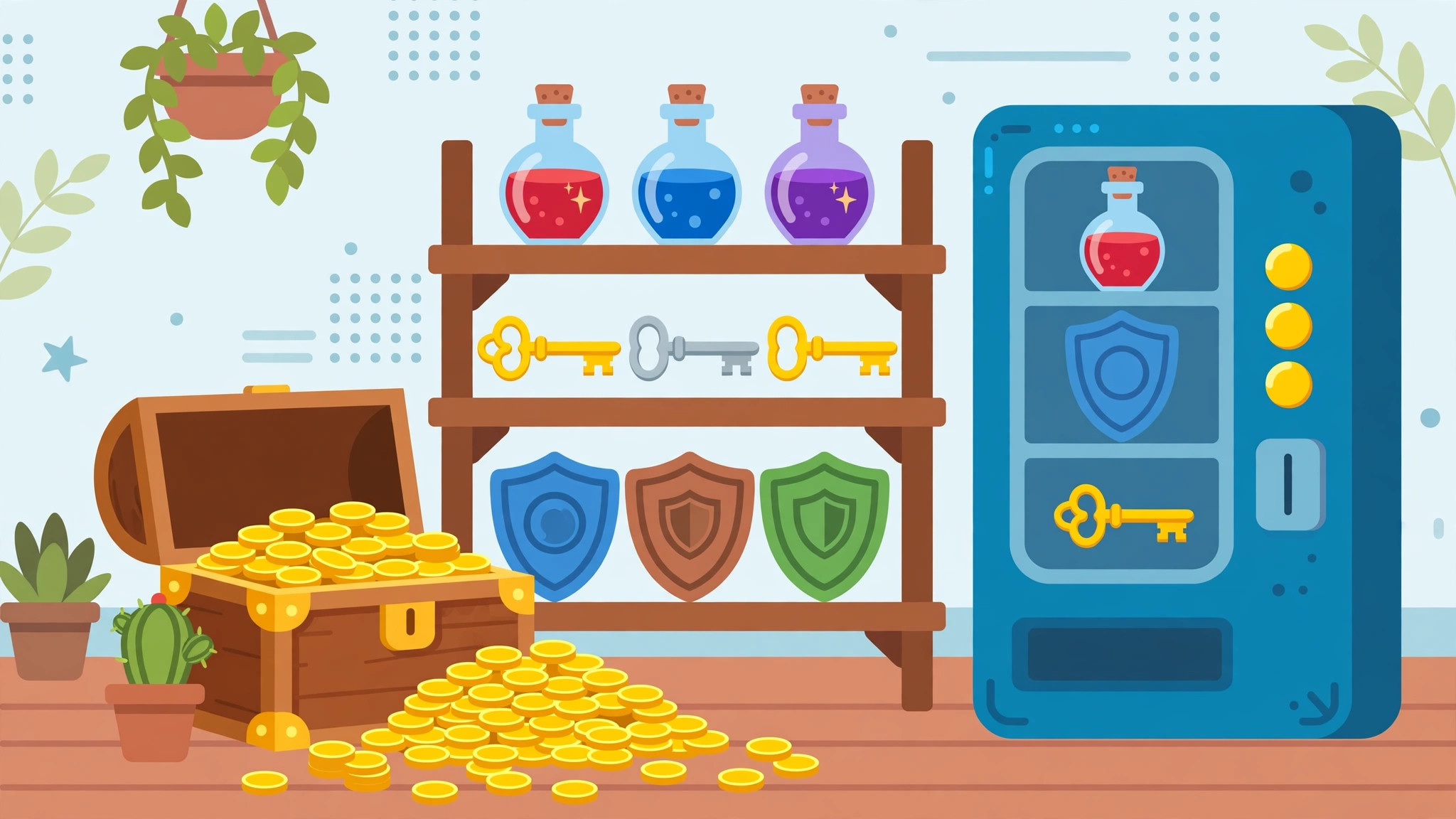
Every great Creative map eventually needs an economy. Players earn something — cash, energy, a resource from answering questions — and they need somewhere to spend it. The device that moves items into and out of players’ pockets is the gimkit item granter, and paired with the Vending Machine device, it powers everything from a simple key shop to a full upgrade store with tiers, random rewards, and health refills.
This guide covers the Item Granter itself first — what it grants, what it removes, and what can trigger it — then builds up to complete shop designs: a basic button shop, a proper vending-machine storefront, and a block-powered random reward machine. If devices in general are new to you, our Gimkit Creative devices overview maps out the whole toolbox.
item granter gimkit
The item granter gimkit provides is a small device with a big job description: grant items to a player, or remove items from a player. You choose the item and the amount; a positive amount gives, and a negative amount takes away. It costs little memory (35), you can place hundreds of them, and it supports block code for advanced logic — which is why it quietly appears in almost every economy, quest, and crafting system on the platform.
Three ideas govern everything the Item Granter does:
- It needs a trigger. By itself, the device does nothing. It grants when it receives a wire pulse or a channel message — from a button, a zone, a purchase, a knockout, anything that can send a signal.
- It respects scope. Like many devices, an Item Granter can be set to affect the triggering player only, their team, or everyone. Nine times out of ten you want the triggering player: the student who pressed the button gets the item.
- Removal is as powerful as granting. Taking items away is how you build payment (remove 50 cash), consumption (remove a key when a door opens), and crafting (remove two ingredients, grant the product).
The Item Granter also has close relatives worth knowing. The Item Spawner drops a physical item on the map for anyone to pick up — better for shared spaces. The Inventory Item Manager watches how much of an item a player holds, which is how you build “you need 3 keys to proceed” checks. Granters change inventories; spawners place items in the world; managers measure them.
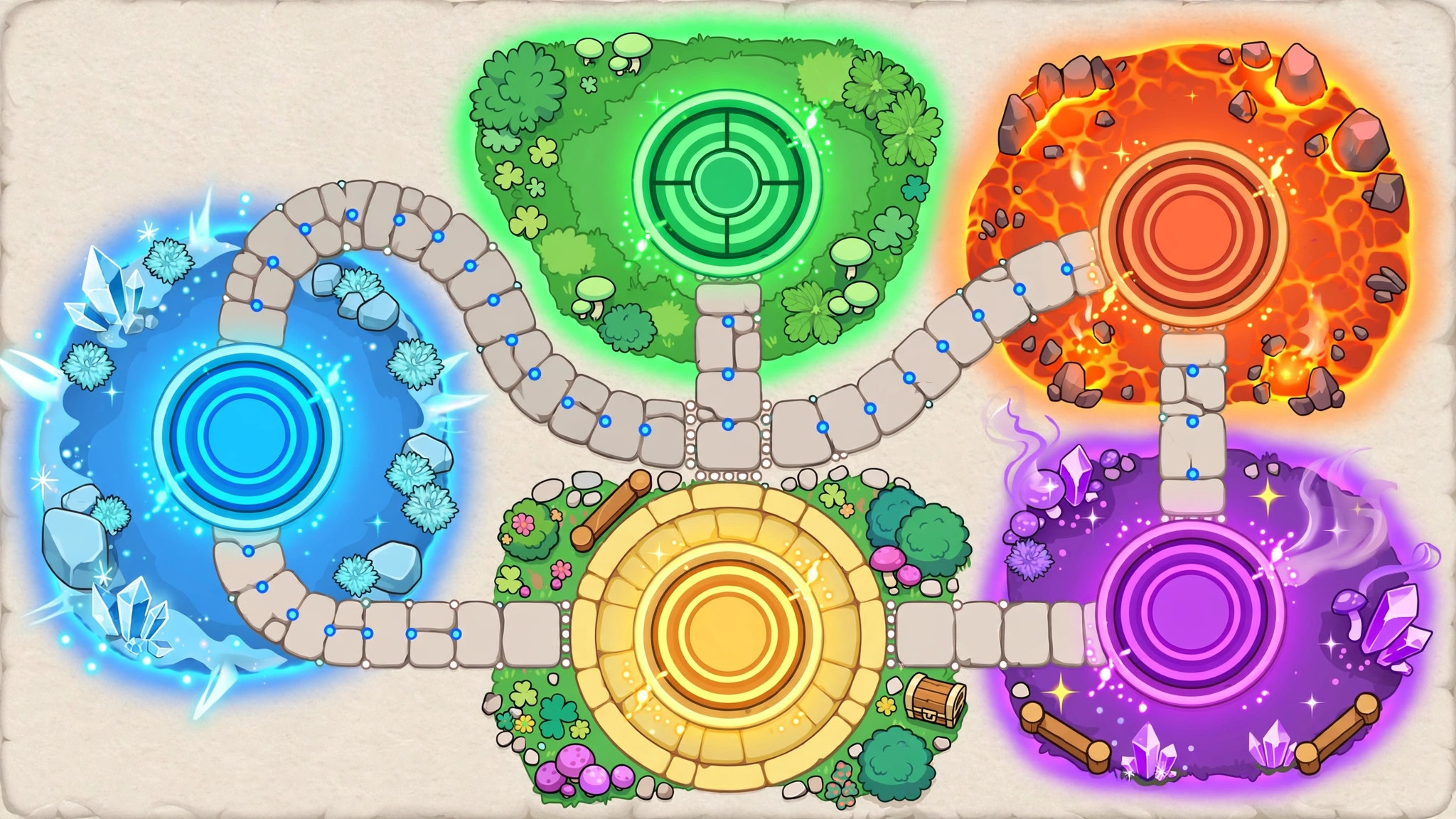
Triggers: buttons, zones, and questioners
Because a granter only acts when signaled, choosing the trigger is the real design decision. The four patterns creators reach for most:
The button grant. A player walks up, presses a button, receives an item. Perfect for starting gear (“press to take your pickaxe”) and one-time pickups. Set the button to deactivate after use if the item should only be granted once.
The zone grant. Walking into an area grants the item — walking through a “supply room,” stepping onto a teleporter pad that also hands you the local currency, or entering a team’s base and receiving their team item.
The questioner loop. Wire a Gimkit Questioner device so correct answers grant a resource directly. This is the heartbeat of tycoon-style maps: answer, earn, spend, upgrade.
The knockout reward. A Knockout Manager or Lifecycle device signals the granter when a player scores a knockout, paying out a bounty automatically.
In every pattern, the wiring discipline is the same: one clearly named channel per job. “grant-starter-kit” will still make sense to you in three weeks; “channel 12” will not.
gimkit shop in creative
Now for the build most people actually want: a gimkit shop in creative where players trade a currency for useful gear. The cleanest design has three parts:
- A currency. Pick one item to be money — cash is the default in many maps, but any item works. Players earn it through a Questioner or by selling gathered resources back through a granter that removes the resource and adds cash (two granters, or one granter per direction).
- A storefront. A room, counter, or market stall area where all purchases happen. Keeping every transaction in one place makes your wiring manageable and your map readable.
- One granter per product. Each item for sale gets its own purchase flow (next section), and its own granter set to grant exactly that product.
Pricing is where classroom shops live or die. A useful rule: price the first useful item at about one minute of typical earnings, and each tier after that at roughly double. If students can buy the best item in the first two minutes, your economy is decoration; if nothing is affordable until the last minute, it is a museum. Playtest prices with the same seriousness as jump distances.
Use a Gimkit counter device as a visible till or scoreboard if you want the class to see team earnings — counters displaying each team’s banked cash give a shop map a real sense of stakes.
gimkit vending machine
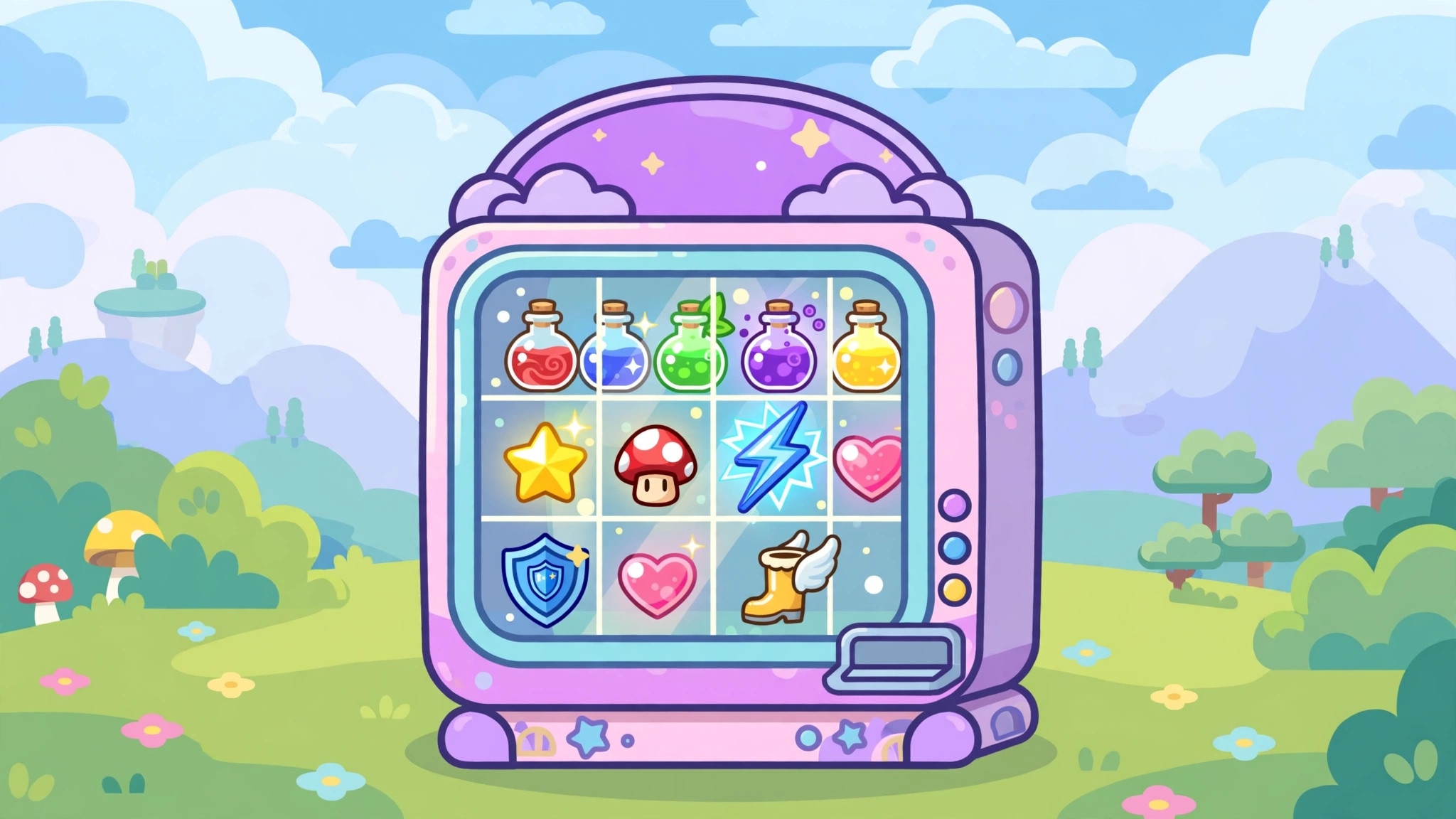
The gimkit vending machine is the specialist: a device built to sell one item for one price, with the transaction handled for you. You set the item it sells, what it costs, and what happens on purchase — and the machine itself checks whether the player can afford it, takes the payment, and delivers. Compared with a hand-built button-and-granter checkout, a vending machine is faster to set up and much harder to break.
The settings that matter:
- Granted item and cost item. What the player receives, and what they pay with. These can be different items — pay cash, receive a gadget.
- Purchase action. On a successful purchase, the machine can transmit on a channel. That signal is your hook for everything extra: sounds, popups, counters, or a chained Item Granter.
- Failed purchase feedback. Set a notification for players who cannot afford the item, so a click never feels broken.
That purchase channel is where vending machines get interesting. Wire “item purchased” to an Item Granter with block code that grants a random amount of an item and you have a lottery machine. Wire it to a Health Granter and you have a healing station that charges per use. Rows of machines, each selling one gadget at a higher tier — the classic upgrade-shop wall from arena maps — are just this same pattern repeated with different prices.
For a shop that must stay balanced, combine machines with a Checker: before the machine activates, verify the player owns the previous tier. That gating is what turns five machines into a progression system instead of a shopping list.
Keeping your shop honest
Economies invite creative abuse — students are wonderfully inventive auditors. Three habits keep a shop fair without sucking the fun out of it:
- One-way doors on value. If players can sell an item for more than it costs to buy or earn, they will find the loop within minutes and print infinite money. Before publishing, trace every item’s full circle — earn, buy, sell — and make sure value only leaks out of the system, never multiplies.
- Deactivate one-time pickups. A button that grants a starter item should switch itself off after granting (buttons can deactivate on use), or thirty students will farm the starter chest instead of playing. Repeatable grants are fine only when the repeat is the design — like a wage paid per correct answer.
- Test with a fresh account mindset. Playtest your shop as a brand-new player with zero items. Shops often break at the edges: a granter that removes an item the player does not have yet, a machine selling an upgrade whose prerequisite is sold nowhere. Fresh-eyes testing catches the dead ends your builder brain skips over.
Shops also benefit from a little theatre. A counter prop, a named shopkeeper character, a sign with prices written out — these cost almost nothing and turn a row of machines into a place players remember. Economy is mechanics; a shop is a location. Build both.
Frequently asked questions
Can an Item Granter take items away?
Yes — set a negative amount and the device removes that many of the chosen item when triggered. Creators use removal for payments, key consumption, and crafting recipes (remove ingredients, grant the finished product).

What is the difference between an Item Granter and a Vending Machine?
The Item Granter simply gives or removes items when it receives a signal; it knows nothing about prices. The Vending Machine handles a complete sale — checking the player’s payment item, charging it, and delivering the product — and can then fire a channel for extra effects.
Why did my granter give the item to everyone?
Scope. If the device scope is set to global or team, a single trigger affects everyone in that scope. For shops and pickups, set the granter (and the trigger feeding it) to player scope so only the student who acted receives the item. The official Gimkit Help Center explains scope settings for each device if you need the exact menu wording.
Should my shop use buttons or vending machines?
Use buttons with granters for free or one-time items — starter gear, quest rewards, keys behind puzzles — where no payment changes hands. Use vending machines the moment a price exists: the machine verifies the player’s balance and charges it automatically, which removes the entire class of “the button took my money twice” bugs that hand-built checkouts tend to grow.
How do I make a random reward machine?
Place a Vending Machine, set its purchase action to transmit on a channel, and wire that channel to an Item Granter running block code: on the signal, grant a random amount (or use a random number to choose between several granters, each holding a different prize).
Final thoughts
Shops turn a map from a place into a game. Start with one currency, one storefront, and a granter per product; reach for the gimkit item granter whenever something needs to change hands, and let vending machines handle the actual selling. Keep your channels named, your scope set to the triggering player, and your prices playtested — and your map’s economy will hum along while the class argues happily about what to buy next.
