

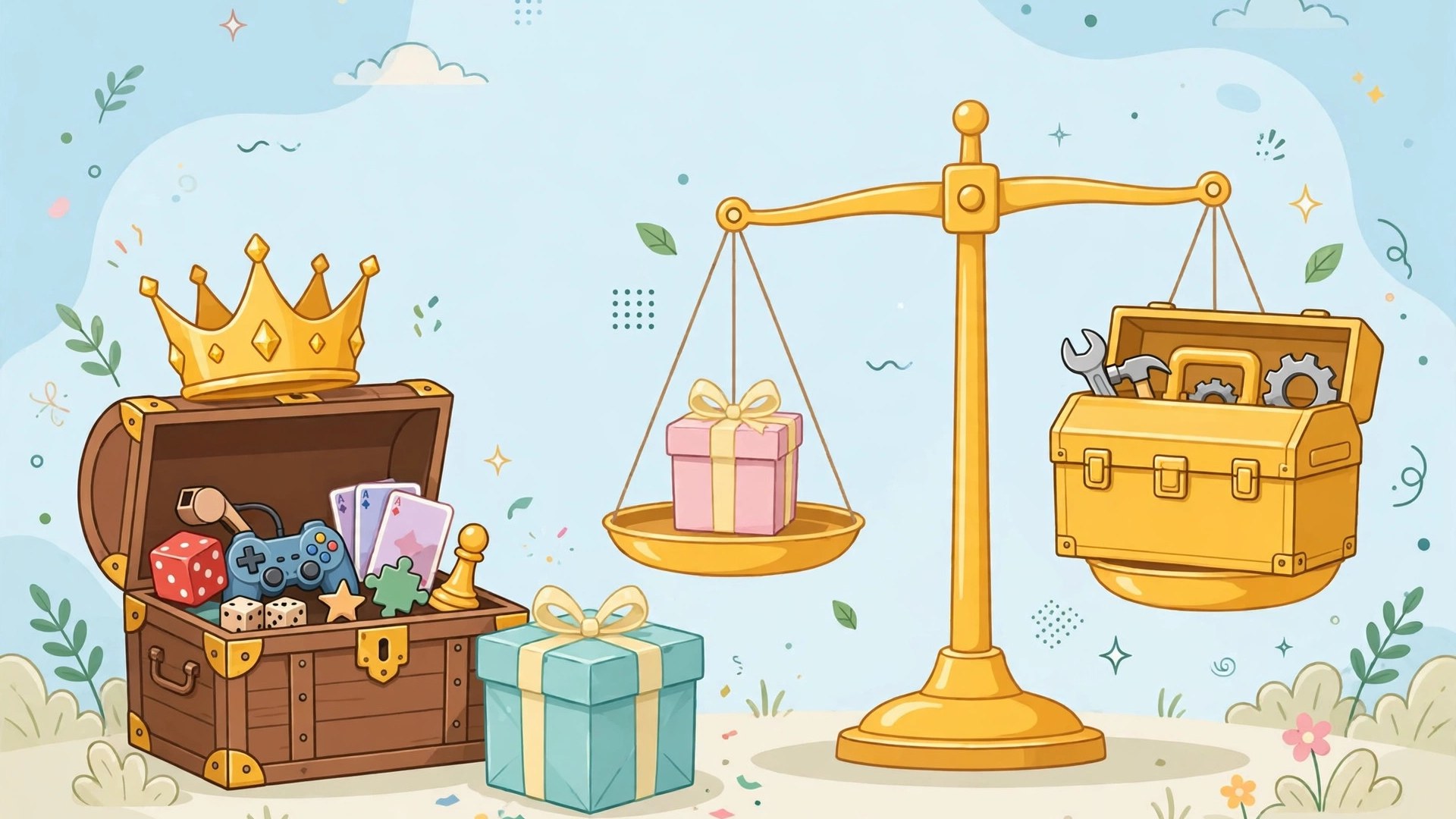
Every Gimkit teacher eventually faces the same decision: keep rolling with the free plan, or upgrade to gimkit pro? The free tier is genuinely useful — it is how most teachers fall in love with the platform — but its limits are designed to appear right around the moment Gimkit becomes part of your weekly routine.
This comparison lays out exactly what changes when you upgrade: the features Pro unlocks, the limits you leave behind, and a fair framework for deciding whether it is worth it for your classroom, your department, or your school. No sales pitch either way — just the honest maths teachers actually do.
gimkit pro vs free
The gimkit pro vs free comparison boils down to one idea: the free plan is a generous trial of the core experience, while Pro is the full teaching toolkit. On the free (Basic) plan, you get a limited number of kits and a rotating selection of featured game modes — enough to run real lessons and see real results, with the edges deliberately fenced.
Pro removes those fences:
- All game modes, all the time — no waiting for a mode to rotate back into the free selection.
- Unlimited kits — your library can grow with your courses instead of forcing deletions.
- Assignments — homework with goals, deadlines and completion tracking (the subject of our Gimkit assignments guide).
- Classes — persistent rosters that end the daily game-code routine, as covered in our Gimkit classes guide.
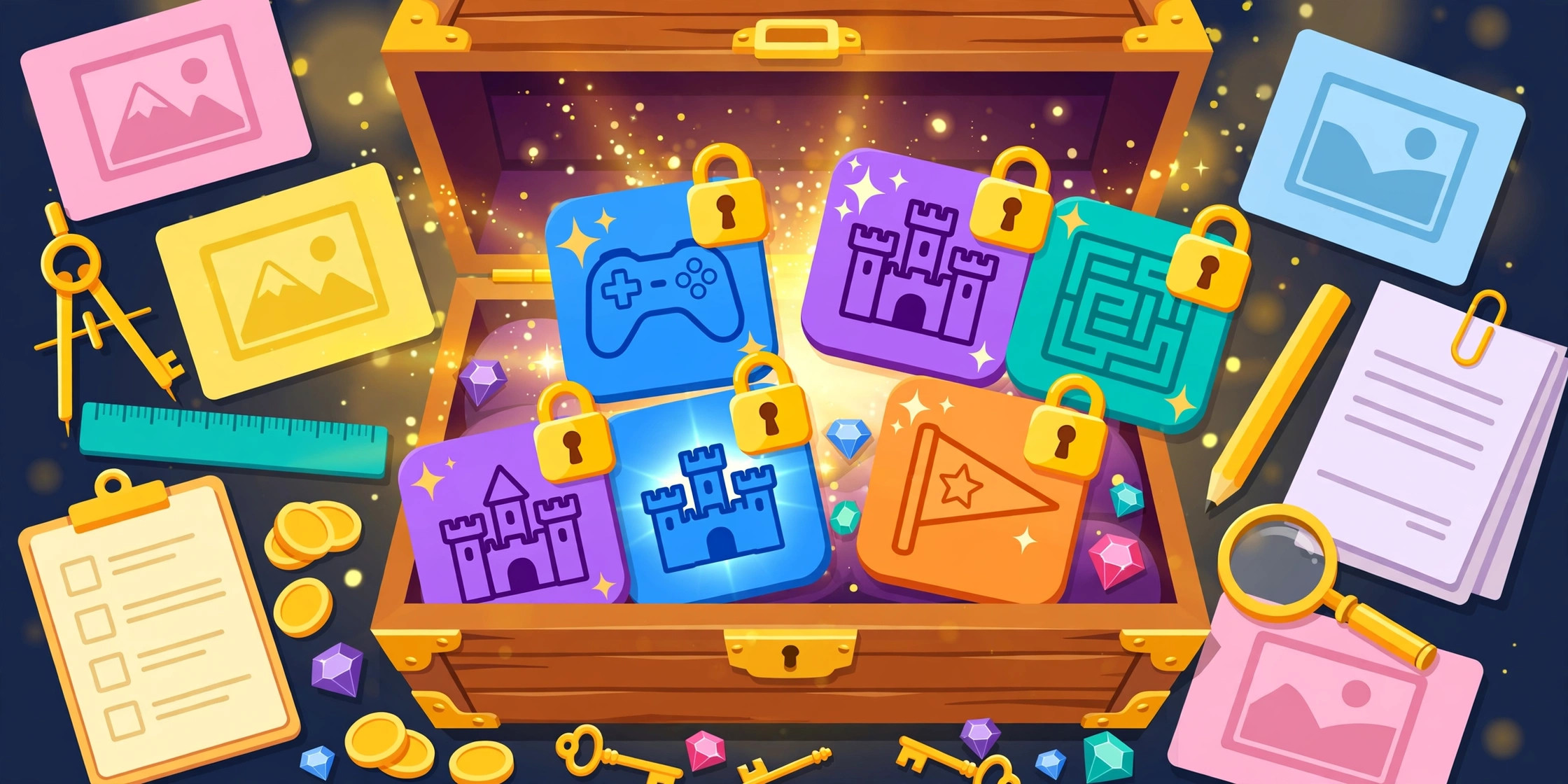
- Media in questions — richer question types, including image-based questions.
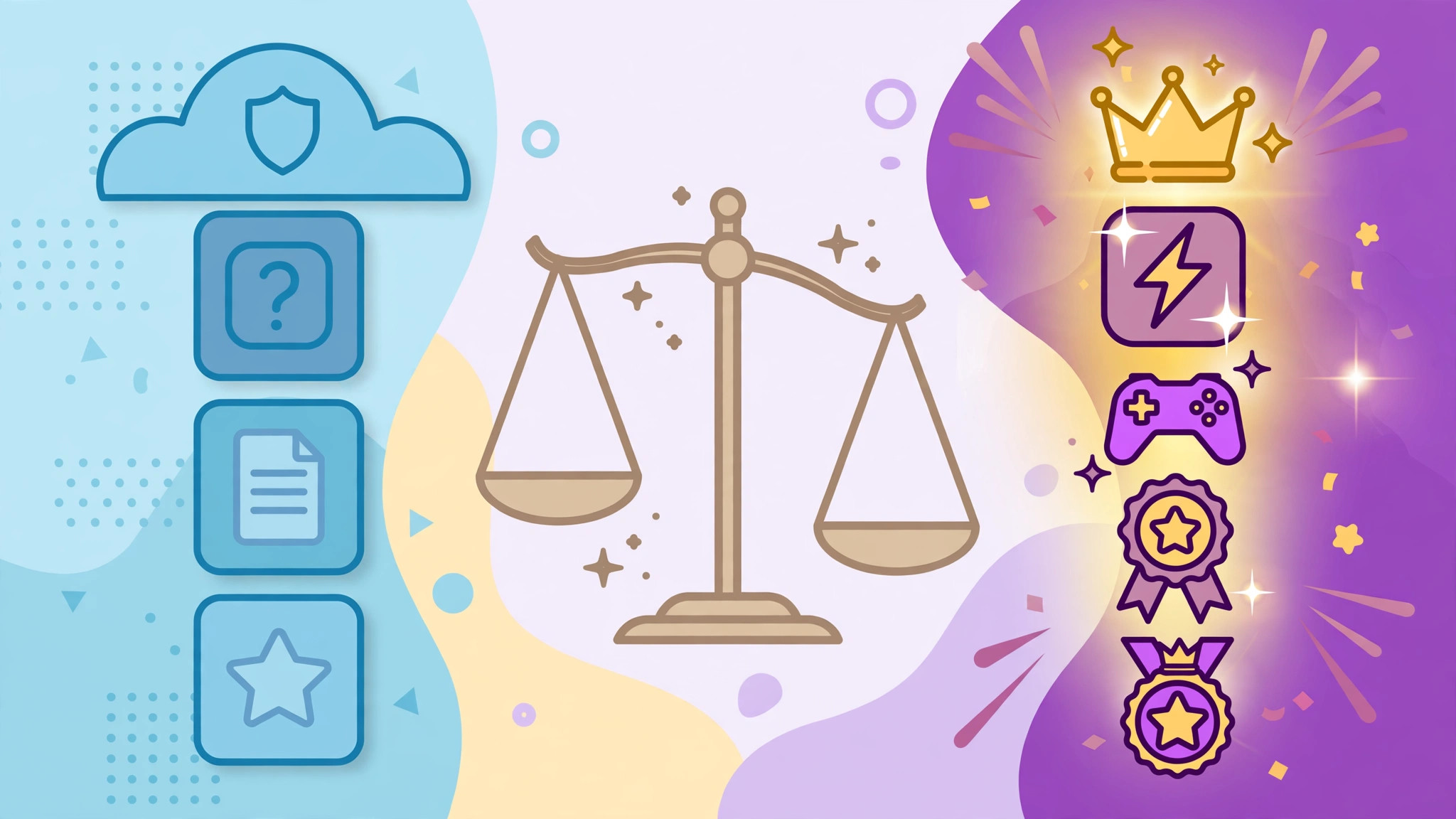
Notice the pattern: the free plan limits variety and permanence, not the fundamental fun. A free game is still a real game. What Pro sells is the professional workflow around the game — the rosters, homework, library size and mode freedom that weekly users depend on.
is gimkit pro worth it
So, is gimkit pro worth it? Run your own usage through this honest checklist. Pro tends to be worth it if:
- You teach with Gimkit weekly or more, so mode rotation and kit limits interrupt you regularly.
- You set homework and need assignments with tracking rather than honour-system practice.
- You teach multiple classes and roster admin is eating your breaks.
- Your department wants shared, consistent resources across teachers, which connects to the school and department arrangements in our Gimkit for schools guide.
It tends not to be worth it — yet — if Gimkit is a once-a-term treat, if a single class plays occasionally, or if you are still deciding whether game-based review fits your style at all. The free plan is a perfectly respectable home for that stage. Many teachers run a full term on free, hit the same limit three times in a month, and upgrade with total clarity about why. That is exactly how the decision should feel: boring, obvious, and based on your own friction points rather than a features list.
Also worth checking before paying personally: many schools and districts hold licences already. Ask your department head or IT coordinator first — the number of teachers paying out of pocket for something their school owns is embarrassingly high.
There is one more honest consideration: what the free plan’s rotation does to your planning. Featured modes change on the free tier, which means the mode you designed Thursday’s lesson around might not be the mode available on Thursday. Teachers who need a specific mode on a specific date — for a planned tournament, an observed lesson, a revision sequence — feel this limit more sharply than anyone. Predictability is a professional feature, and for timetabled teaching it can be the deciding one.
None of this makes the free plan a trap. It makes it a funnel with integrity: it teaches you the platform honestly, lets real usage accumulate, and presents the bill precisely when the value is proven. That is a fairer arrangement than most education software offers, and it is why the upgrade decision, when it comes, rarely feels like a gamble.
gimkit pro features
Looking closer at gimkit pro features, three clusters matter most to working teachers. The first is content freedom: every mode unlocked and unlimited kits. Mode freedom changes your teaching more than you expect — you can match the mode to the moment (a calm mode before an exam, a chaotic one on the last Friday of term) instead of taking whatever rotated in this week.
The second cluster is classroom systems: classes and assignments. This is the unglamorous machinery that turns a fun website into a dependable routine — rosters that persist, homework that tracks itself, reports that organise by student. If you only remember one thing from this article, make it this: teachers rarely upgrade for the games; they upgrade for the systems.
The third cluster is question richness: media uploads and the fuller editor. Image-based questions transform subjects like geography, science diagrams and art history from text-only compromises into proper visual practice. For those subjects especially, this feature alone can justify the upgrade.

gimkit pricing
Gimkit pricing changes over time and varies by arrangement — individual teacher plans, and school or department plans priced for groups — so treat any number quoted on any website (including older articles) with suspicion. The only figure worth trusting is the current one on the official site at the moment you decide, and current pricing is exactly where the official Gimkit website should be your single source of truth.
Evaluate the price like a teacher, in teacher units: cost per class taught per month, or cost per student across a year of weekly use. Framed that way, the comparison is rarely about the headline figure and almost always about frequency — a tool used forty times a term needs a very different price to feel expensive than a tool used twice.
Also check what your upgrade actually includes before checkout, whether billing is monthly or annual, and whether your school can purchase centrally. Prices and bundles are the platform’s to change; your job is simply to verify the current offer rather than a remembered one.
Decide by your friction, not the brochure
Stay on free while the limits are theoretical. Upgrade the month the same limit bites you for the third time — that is your usage telling you the truth. And if your school already has a licence, claim your seat and skip the entire debate. Either way, the games your students love are identical; Pro is about how professionally you get to run them.
the department case: when one subscription teaches thirty classes
Individual teachers feel the plan’s value in minutes saved; departments feel it in consistency. When a whole team works from the same full toolkit, shared kits behave identically in every room, a colleague covering your class inherits your assignments without a briefing, and students stop relearning the platform each time they change teachers. Faculty leads evaluating the upgrade should price that coherence honestly: the subscription line is small, but the alternative — five teachers hand-building workarounds to five different limitations — is a recurring tax paid in the scarcest currency schools have, which is planning time.
There is also a quiet equity argument. On free plans, the quality of a student’s game-based learning depends on which teacher they happened to get. A department that standardises its tooling standardises the experience, and “your education depends on your teacher’s workarounds” is a sentence no school wants to be true.
None of this obliges anyone to upgrade — plenty of single classrooms run happily on the free tier forever. It simply means the decision deserves to be made with the whole ledger open: features, time, consistency and equity, all counted, before anyone declares the answer obvious in either direction.
trialling with intent: what to test in your first upgraded month
If you do upgrade, spend the first month deliberately rather than drifting into the new tools. Week one, rebuild your most-used kit without limits and feel the difference. Week two, run your first proper assignments with goals and windows. Week three, organise classes and one shared department kit. Week four, read the reports those weeks generated and ask the only question that justifies any subscription: did students learn measurably more, or noticeably happier, than in a free-tier month? Deciding from that evidence — in either direction — is what separates a considered purchase from an impulse, and it is a standard worth holding every education tool to, this one included.

a final word on value
Subscriptions are renewed or cancelled on feelings as much as figures, so audit the feeling honestly too: relief at a removed limitation is data, and so is indifference. Whichever way the decision lands, land it — drifting on a tier that fits neither your teaching nor your budget is the only genuinely wrong answer available.
frequently asked questions
What is the biggest real-world difference between free and Pro? Day to day, it is the systems rather than the games: classes with persistent rosters, assignments with tracking, an unlimited kit library, and every mode available on the day you planned it. Free shows you the fun; Pro removes the admin ceiling around it.
Can I keep my kits if I downgrade or my plan lapses? Your account and content remain yours; what changes is which limits and features apply while the plan is inactive. Before any change, check the current official terms on the Gimkit site so there are no surprises for your library.
Is Pro worth it for a single class? It can be — the arithmetic is about frequency, not headcount. A teacher using Gimkit weekly with one class, setting homework and running rosters, hits the free limits faster than a whole department that plays once a term.
Should my school buy it instead of me? Often, yes: school and department arrangements exist precisely so the cost and the licences are managed centrally. Ask before you pay personally — the worst outcome in this entire comparison is a teacher funding out of pocket what their institution already owns.
